Instructions for installing STAR for PUBG Mobile on iOS via TestFlight
Instructions for installing STAR for PUBG Mobile on iOS
Installation via TestFlight
Install TestFlight from the App Store.
Select your region and follow the link:
⏺Star Global v2
https://i.authtool.app/ios/6a8c43b208cfcbdaa08c7695
⏺Star Korean v2
https://i.authtool.app/ios/6a8c42bd08cfcbdaa08c7604
⏺Star Taiawan v2
https://i.authtool.app/ios/6a8c44fa08cfcbdaa08c77b4
Click "Accept" / "Install".
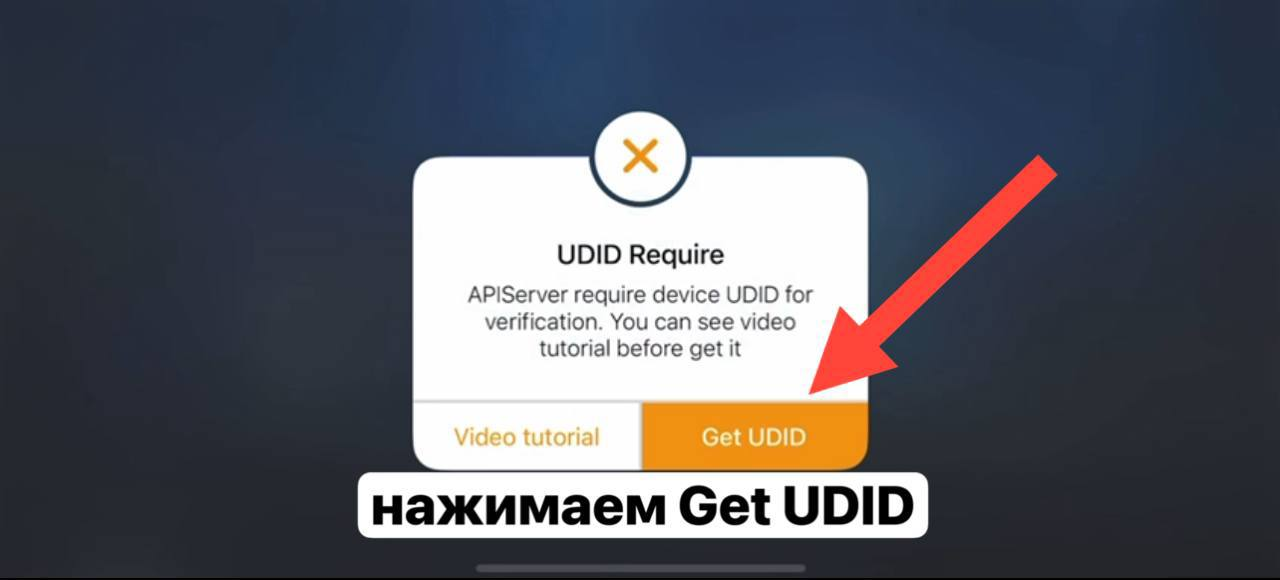
Obtaining UDID (if required)
Open GetUdid on iPhone/iPad.
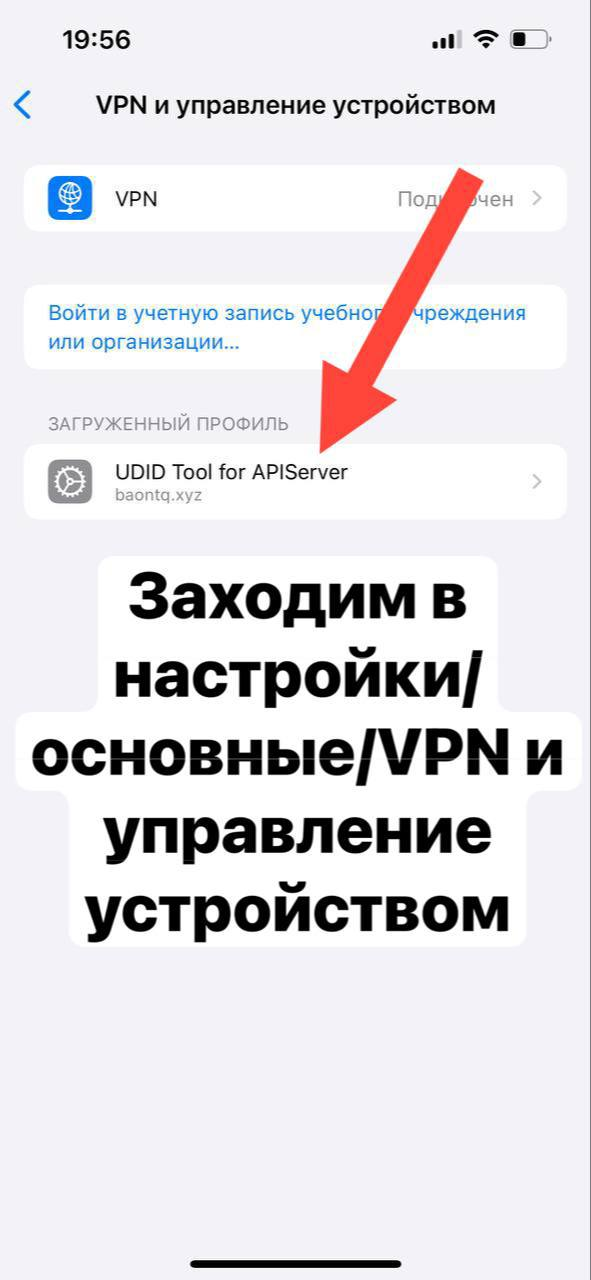
Click “Tap here to get your UDID” and allow profile installation.
After installing the profile, your UDID will be displayed on the screen. Copy it.
.png)
After that, return to TestFlight and click “Install”. The application will install automatically. Ready!