SUIT launcher: https://ru.80-71-224-100.nip.io/launcher
Before you start
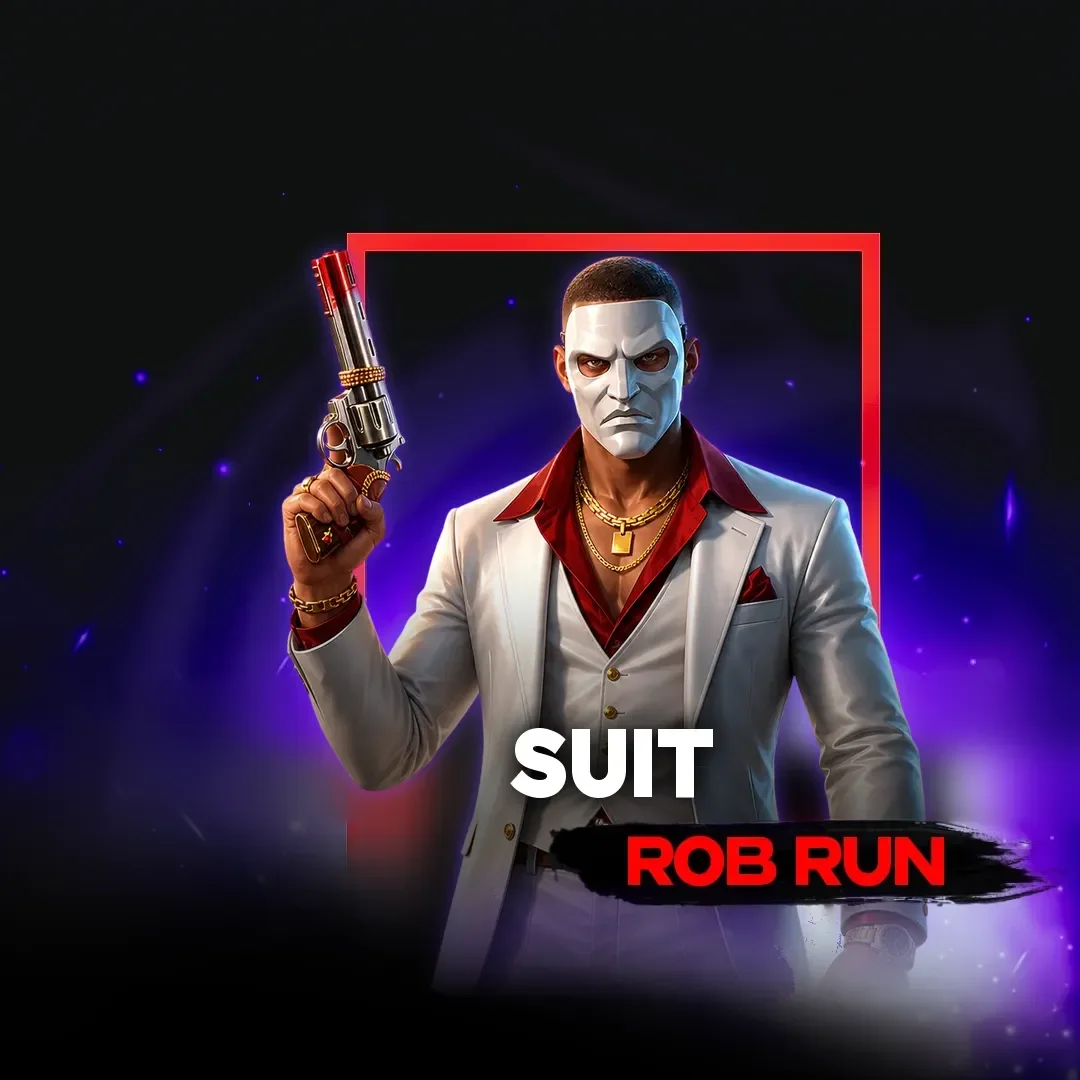
SUIT for Rob Run runs on a PC with Windows 10 or Windows 11 and the Steam game client. The key you bought on GetCheats is in your account together with its expiry date.
Installation and launch
Download the loader from the link above.
Register an account in the loader.
Enter the key you purchased.
Select the product you need from the list.
Click the “Launch” button.
Wait until the game’s main menu has loaded.
Once the game is in the main menu, click the “Start” button in the loader.
To open the software menu, press Insert or the Right Alt key.
Hotkeys
Insert or Right Alt — open and close the menu.
F6 — Battle Mode.
F8 — Free Camera; Escape returns the camera.
That’s it! Enjoy the game.