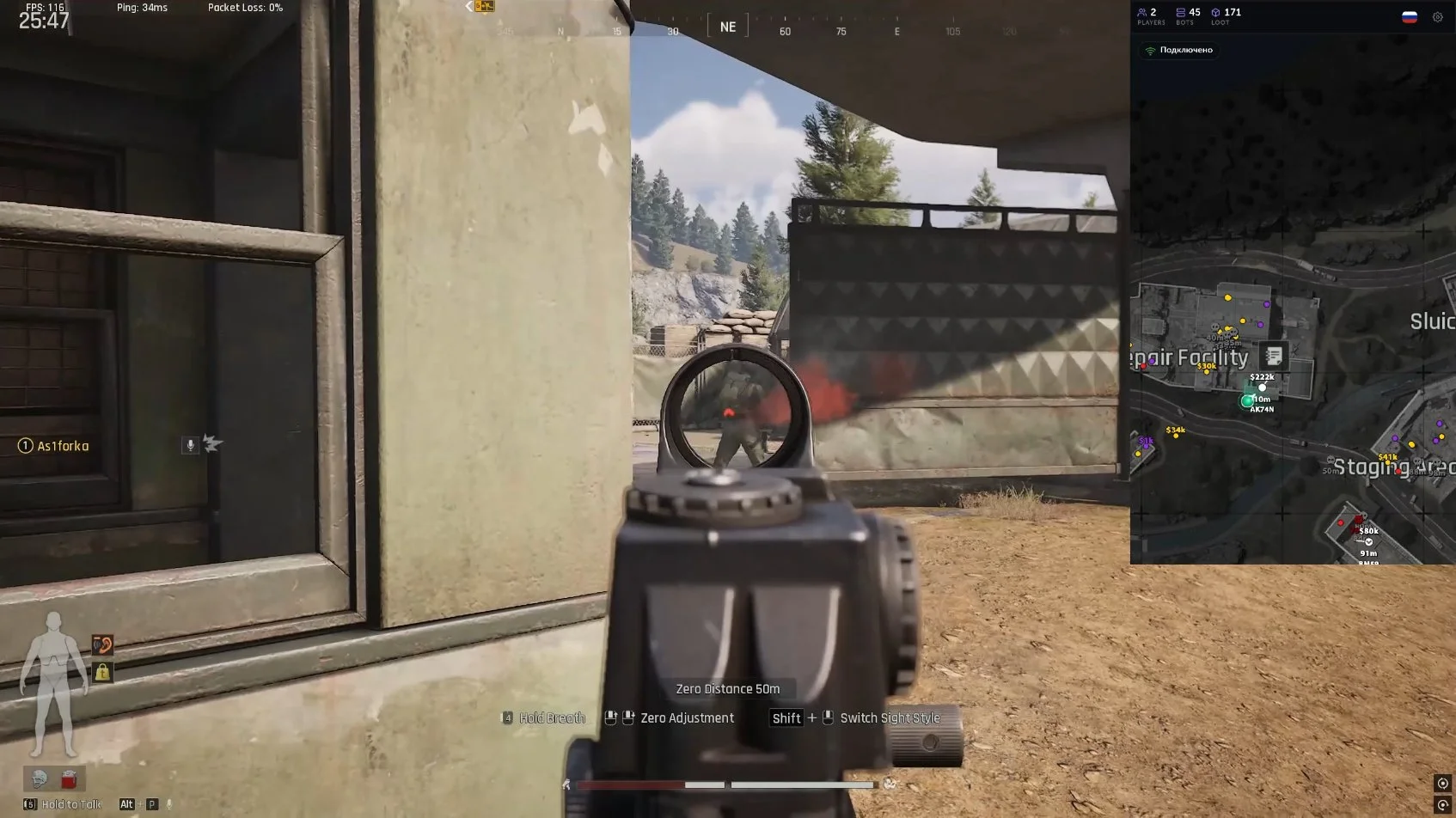
ATTENTION! FOR THE PRODUCT TO WORK PROPERLY, YOU MUST HAVE A DMA CARD! WITHOUT A DMA CARD, NOTHING WILL WORK!
Download the latest loader: https://cdn.smgcheats.com/client.php
[Launch]
1. Run the loader (it will automatically open as Administrator).
2. Copy the license key you received from the seller and paste it into the 'license key' field.
3. Click the 'activate' button and wait for the successful activation notification.
4. After successful activation, you'll be redirected to the cheat launch page, where you need to click the 'inject' button.
5. After the cheat loads, a window will appear saying 'preparing mapper...'.
6. The loader will then close, and the cheat menu will open, which you can control from within the game.
[Common Issues]
1. Issue: The loader crashes on startup.
Solution: Restart the loader, re-download the loader, place the loader in the root of the C: drive, restart Windows.
2. Issue: The loader won't start, or you get a "failure connect" error or another internet-related error.
Solution: Turn your VPN on/off, restart your PC, or ask your seller for help.
3. Issue: The loader closes after the cheat initializes.
Solution: Disable all antiviruses, Windows Defender, and any other security software that interacts with the system for protection.
If that doesn't help, try opening the console as Administrator and run these commands:
sc stop faceit;
sc stop vgc;
sc stop vgk;
4. Issue: You get a "Server internal error #" error.
Solution: Contact technical support and provide them with the error code and your key.
5. Issue: The loader starts with a blank/empty CMD console, no text visible.
Solution: Disable HDR mode in your system/monitor settings.
6. Issue: Loader errors like "driver status 0xC00006C", "0xC000056", or "C0000001".
Solution: Check if protection is disabled. Turn off all unnecessary programs from startup. Restart your PC.
7. Issue: Low DMA read speed.
Solution: Change USB ports, change the firmware.
8. Issue: [FAIL] VMM INIT FAILED.
Solution: This is a very common issue with a long list of possible fixes. Below are the most frequent problems and their solutions:
8.1 Check if the DMA card is plugged into the computer and verify all USB connections.
8.2 Firmware detection/poor quality firmware (Replace the firmware).
8.3 Issues with the DMA card itself (Unfortunately, you'll need to buy a new device).
8.4 Incorrect BIOS settings (On your gaming PC, disable: TPM, VT-D, VT-X, Virtualization, SVM, IOMMU, NX bit (XD-Bit)).
8.5 If none of the above helps, contact support.
9. Issue: The menu doesn't display or closes immediately.
Solution: Install DirectX https://www.microsoft.com/en-us/download/details.aspx?id=35 and Visual C++ Runtimes https://www.techpowerup.com/download/visual-c-redistributable-runtime-package-all-in-one