
 Discord
 Telegram
Verified buyers only
Only a confirmed buyer can leave a review
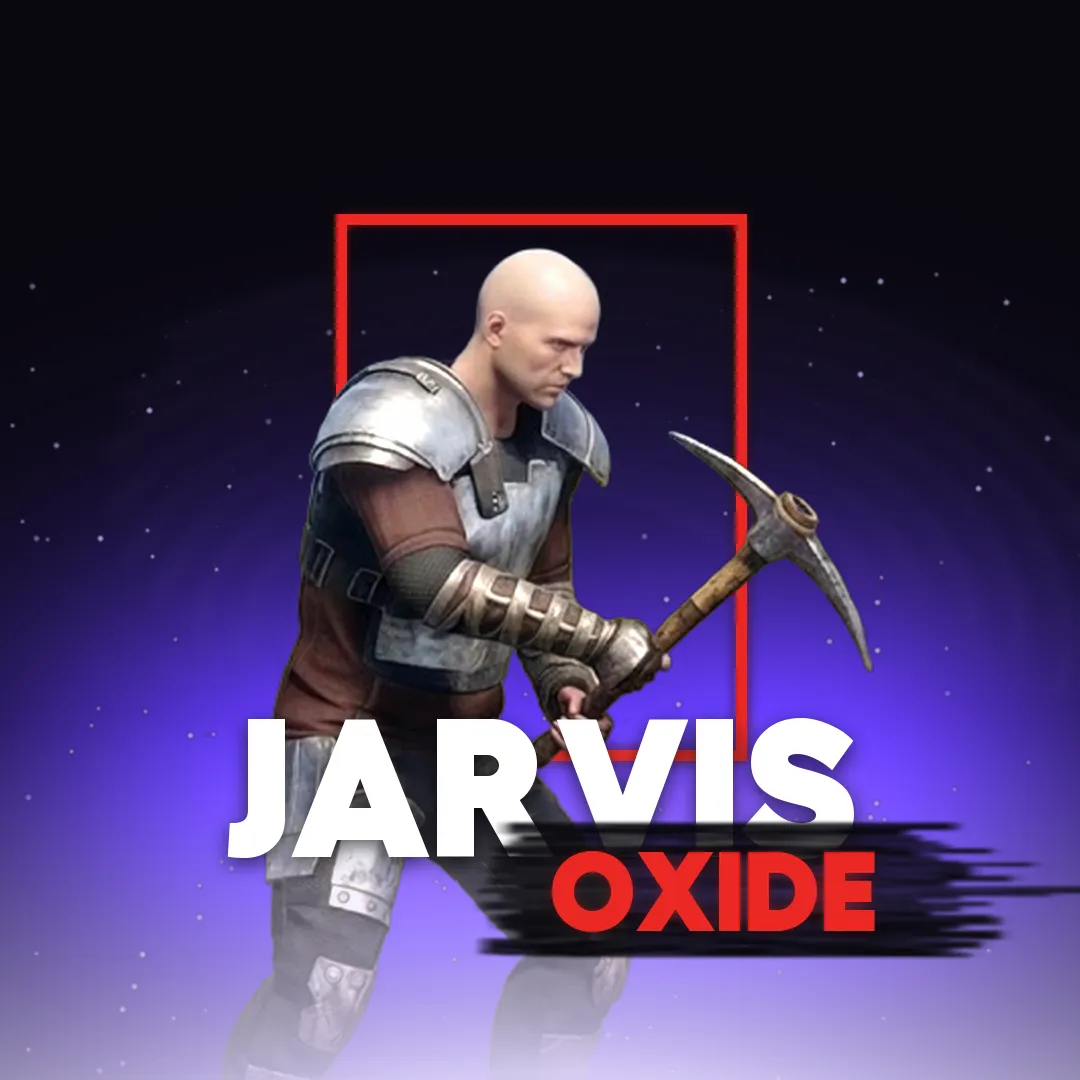
 Oxide: Survival Island
Jarvis is a cheat for Oxide: Survival Island on Android, with no root needed. The ESP labels every player with a nickname, held item, clan tag and distance in metres. Lines run to each player from the counter at the top of the screen, and the nearest target gets a corner box, a skeleton and a head circle. The counter shows players and bots separately. The feature list covers what is visible in the in-game frame.
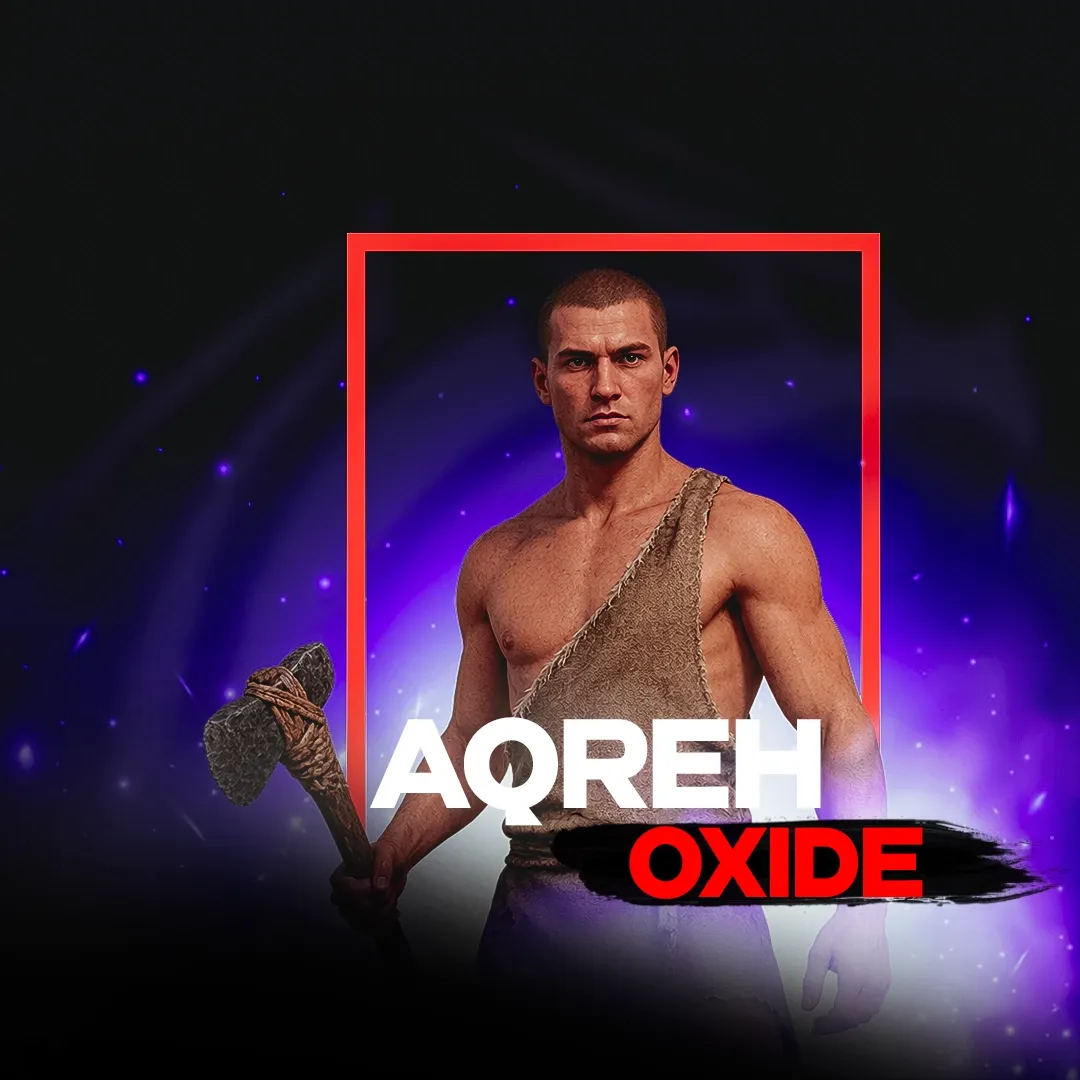
Jarvis is a non-root Oxide: Survival Island cheat for Android. Its ESP shows who is near and what they hold, and you do not need to root your device. It will not run on an iPhone, where the section offers AQREH; for a PC emulator, there is Ryvora.
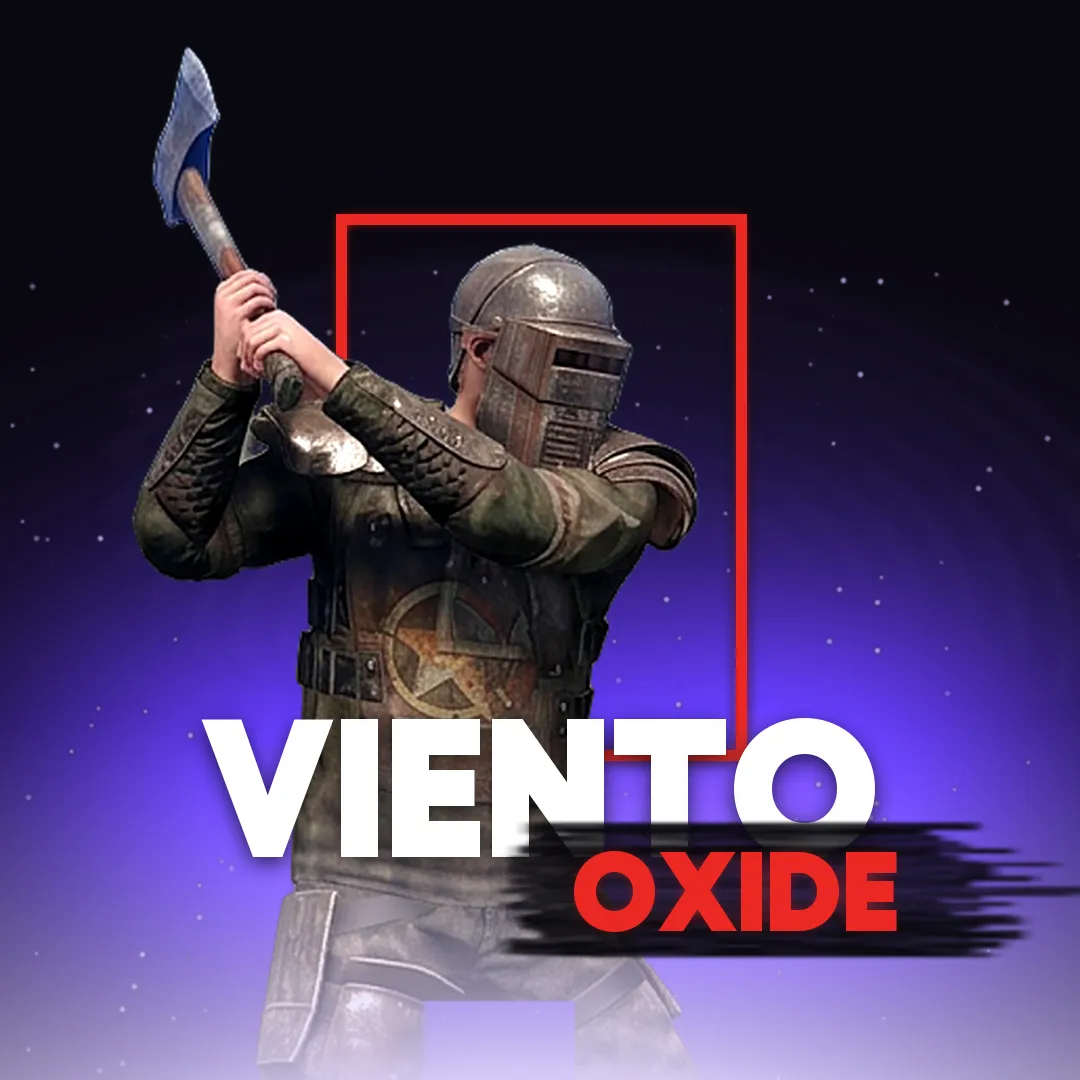
The feature list comes from an in-game frame with the menu closed, which shows player ESP and a player and bot counter. That frame shows no aiming tools or loot ESP, so this card does not claim them. If aim assist is the reason you are shopping, compare Viento, whose features are listed tab by tab from its menu.
Purchase the product to leave a review
Review integrity
Only a confirmed buyer can leave a review
A moderator checks every review before it goes live
Reviews can’t be ordered or deleted
The author can edit it at any time
Share your impressions after the purchase — it helps other players choose.


Frequently Asked Questions
Select a question from the list on the right to see the answer
Jarvis is a non-root Oxide: Survival Island cheat for Android. Its ESP draws lines, a box and a skeleton over the game and labels each player with a nickname, held item, clan tag and distance in metres.
This text describes a single in-game frame, which you can open in the gallery with nicknames blurred. Every figure below comes from that frame, so treat them as an example rather than the limit of the ESP's range.
A counter at the top of the screen has two readouts, Players and Bots. Here they read Players: 5 and Bots: 0, meaning five players around and no bots. A white line runs from the counter to each player, and the frame has five lines as well, so you can check the number at a glance. That helps before a resource run: chopping a tree with nobody nearby is a different job from chopping one while a group gathers around you.
Lines and labels are drawn over trees and terrain. In this frame the lines cross a tree trunk, and the label for a player at 183 m sits right on it. You still get a direction when a tree or a slope hides the person, so you know which side to watch.
The nearest player stands 3 m away, close enough to show everything at once. The four-corner box marks the size of the target without covering it, so you can still see the hands and whatever they hold. White skeleton lines follow the body and give away the pose: which way someone faces, and whether an arm is coming up for a swing. The head circle picks out the point that matters most, and in melee you rarely have a spare second to find it.
At 158–188 m the skeleton shrinks to a tiny white figure above the distance readout. It stays out of your way on screen, yet you do not lose the player against grass or rock.
Each label is a small stack. From the top it runs clan tag in square brackets when there is one, then the held item, the nickname, and the distance at the bottom. Item names and the counter are in English, even though the game interface in this frame is in Russian.
The held item is the most useful line. In this frame players carry a Stone Hatchet, a Pickaxehammer, a Mace and a Hatchet: tools and melee weapons, with no firearms anywhere. Knowing that from a hundred metres out makes it easier to decide whether to walk over or go around. The clan tag answers a different question. Two of the five players share one, so a second person may be close behind the first, and that is a poor fight to start alone.
The card lists two requirements. Root reads Not required, which makes this a non-root build. OS reads Android, with no version number given. A round black button with a green outline and a helmet sits over the game on the left of the screen. The menu is closed in this frame, so its tabs and settings are not described here, and aiming tools and loot ESP are not on the feature list.
Your key is issued right after purchase and stays in your account. On an iPhone, look at AQREH; on a PC emulator, Ryvora; for aim assist and auto farm, Viento. Every other build is in the Oxide: Survival Island section, where you can compare them by device.