
 Discord
 Telegram
Verified buyers only
Only a confirmed buyer can leave a review
 Oxide: Survival Island
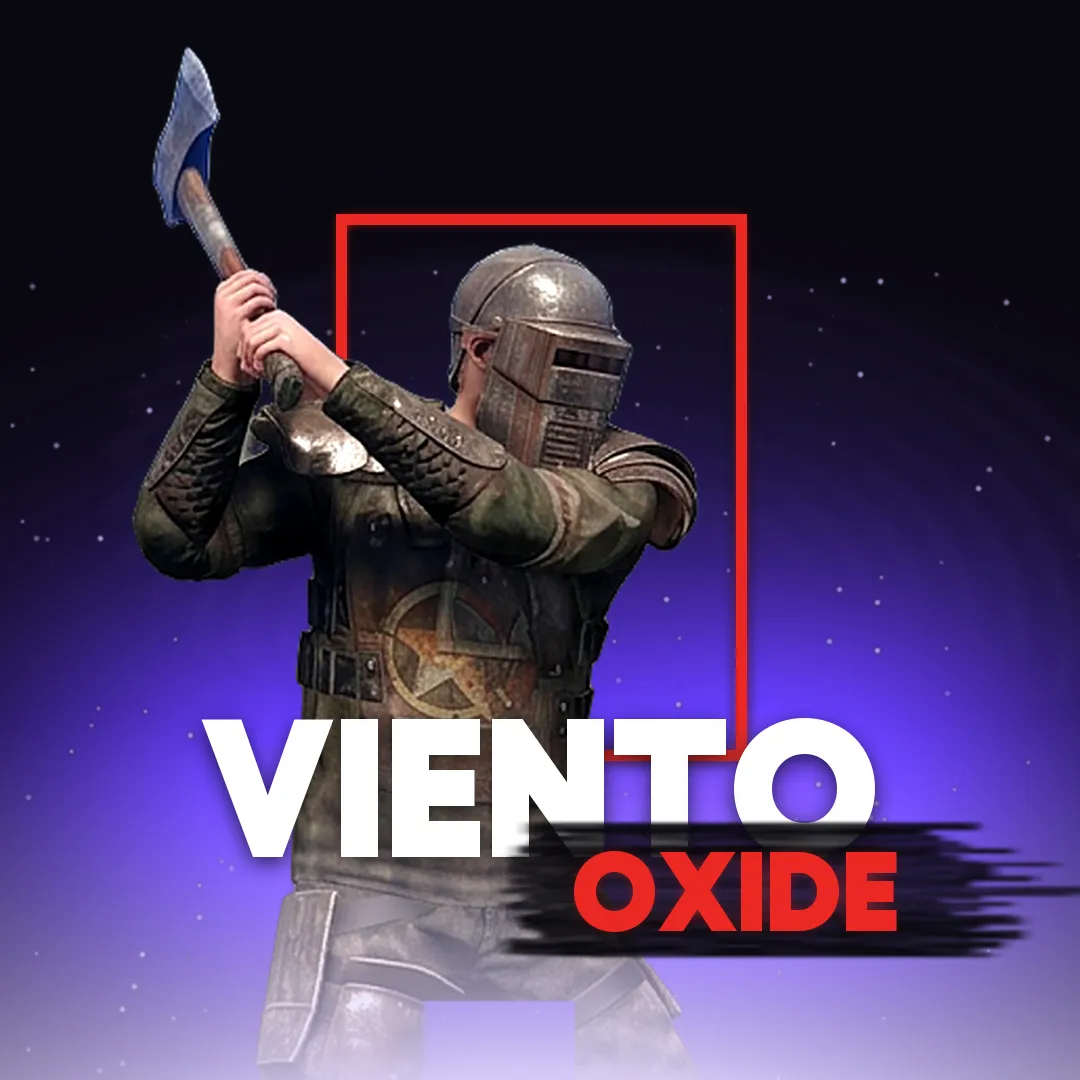
Viento is a cheat for Oxide: Survival Island on Android. The developer ships it as a MOD APK that installs like a regular app, with no root needed. The Russian-language menu opens from a round Viento button over the game, and your key goes in right there — World tab, Authorization block. The Visual tab has ESP for players, resources and loot, zombies and animals. Weapons has magic bullets, aim assist with prediction and an aim circle, no recoil and no spread. World has auto farm for wood, stone and ore, auto craft and NoClip. Building has super build on slopes and under water. After payment you get a key for 7 or 30 days.
Viento is an Oxide: Survival Island cheat for Android with no root. The developer ships it as a MOD APK that installs like a regular app. It will not run on an iPhone — for iOS the section has Sapphire and AQREH, and on PC through an emulator there is Droid.
The menu is in Russian only and opens from a round Viento button over the game. Your key goes in right there: World tab, Authorization block, then Paste and Sign in. The guide for this product explains how to get the installer, and the Game client row in the requirements points the same way: you play with the cheat in the client from the Viento developer.
Purchase the product to leave a review
Review integrity
Only a confirmed buyer can leave a review
A moderator checks every review before it goes live
Reviews can’t be ordered or deleted
The author can edit it at any time
Share your impressions after the purchase — it helps other players choose.



Frequently Asked Questions
Select a question from the list on the right to see the answer
Viento is an Oxide: Survival Island cheat for Android, shipped as a MOD APK. It installs like a regular app and needs no root, and the Russian-language menu opens from a button over the game with 41 features — ESP, magic bullets, auto farm, NoClip and super build.
The Visual tab is split into three columns. Display covers player ESP: boxes, nicknames, distance and lines from the top edge of the screen to each player, so you can tell where someone is even when a hill or a wall hides them. Player counters sit there too, along with Bright night, which lifts the dark — useful when you raid at night rather than wait for morning.
The Settings column turns on object ESP for trees, stones, iron and sulfur ore, barrels and containers, each with its own toggle. That lets you keep only ore and trees on screen early in a wipe, and later just barrels and containers with loot. Monsters adds zombies, humanoids and animals with boxes, names and distance — worth having on when you head for a rock and need to know whether a player or a zombie is waiting by it.
Aim assist pulls the crosshair onto a target. Speed and range are sliders, Prediction with its own strength setting leads a moving target, and the aim circle limits the area around the crosshair, sized in degrees. The aim point comes from a list; the menu screenshot shows Body selected.
Magic bullets have a toggle of their own, separate from aim assist, so you can run one without the other. No recoil and No spread keep a burst where the barrel points, which matters most at medium range. The stronger the assist, the easier it is for others to notice, so raise the aim speed a step at a time.
The World tab runs auto farm for wood, stone, iron and sulfur ore, with each resource ticked separately, plus a second auto farm mode and auto craft of stone items. It comes into play at the start of a wipe, when the job is gathering for a first base. Do not leave it running unattended for long, because other players can see you harvesting.
The Movement column holds NoClip: the toggle puts a panel with UP, On, Down and NoClip buttons on screen, so you move through walls and up or down with your thumbs.
The Building tab has Super build, which places structures on slopes, uneven ground and under water. The menu itself marks it as a test and warns that the server may reject a placement, so check that the building actually appeared.
Viento is the developer's MOD APK, which is what the Game client row on the card refers to. It installs on Android like any other app with no root, and the guide for this product explains how to get the file and sign in. In the game, the menu opens from a round Viento button in the top-left corner, and the key goes in there too: World tab, Authorization block, paste it and tap Sign in. Until you do, the features show “waiting for authorization” and “waiting for preparation”.
The menu is in Russian only, so this build suits players who read Russian. Keys come for 7 or 30 days, are issued right after purchase and stay in your account. On iPhone, look at Sapphire; on PC through an emulator, at Droid. Every other build is in the Oxide: Survival Island section.