Facewar — Cheats
Looking for where to buy a cheat for Facewar? We offer you to download a cheat for Facewar that will help you dominate in the game. Our Facewar cheats provide unique features such as aimbot and enemy information display. Don't miss the chance to enhance your gaming skills with our cheats for Facewar. Join thousands of satisfied players who have already experienced the benefits of using cheats!
Facewar cheats
Features
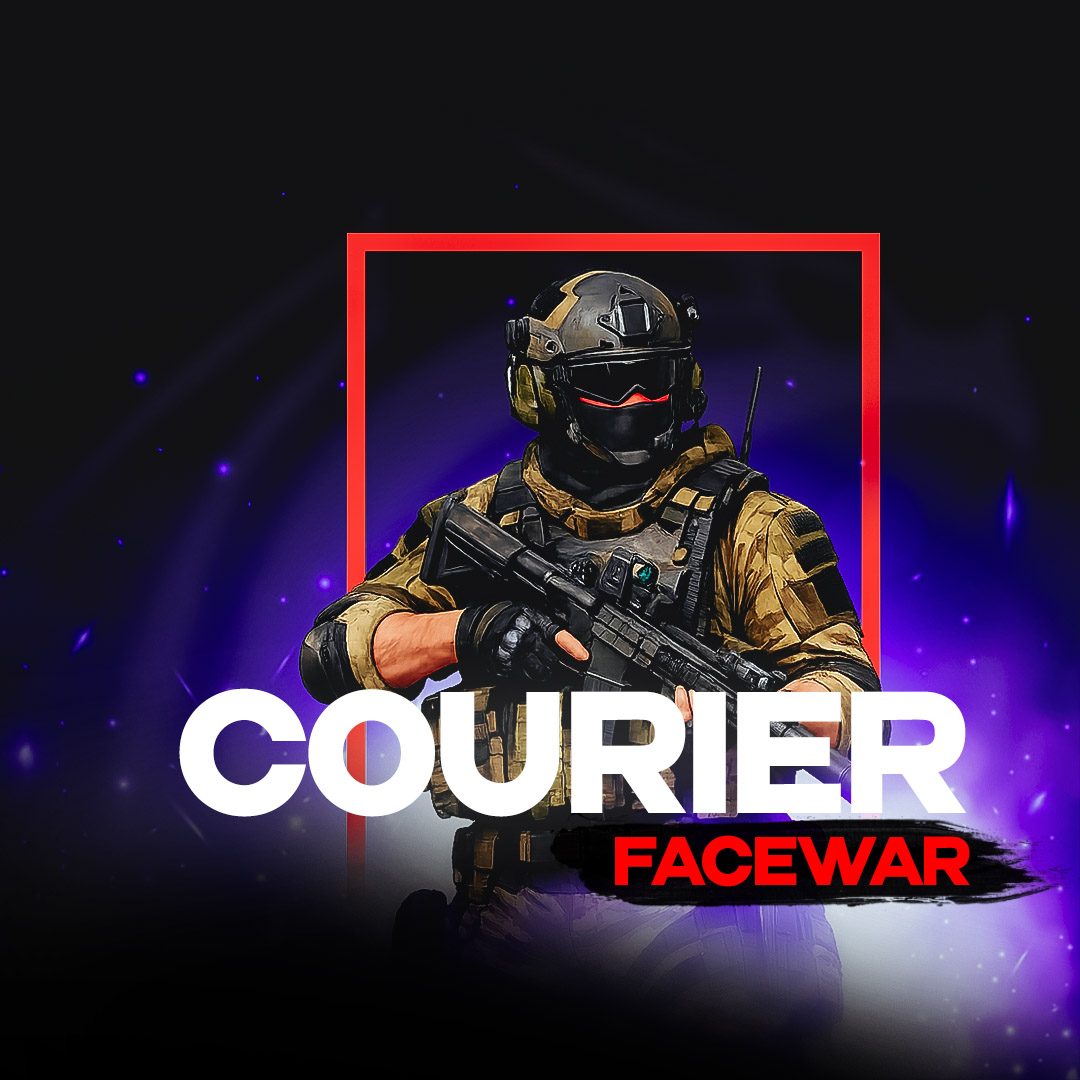
Courier cheat for Facewar
Facewar
Undetected
No ratings- Aimbot
- ESP
price from:349 GCC
View
Legit!Iconic!
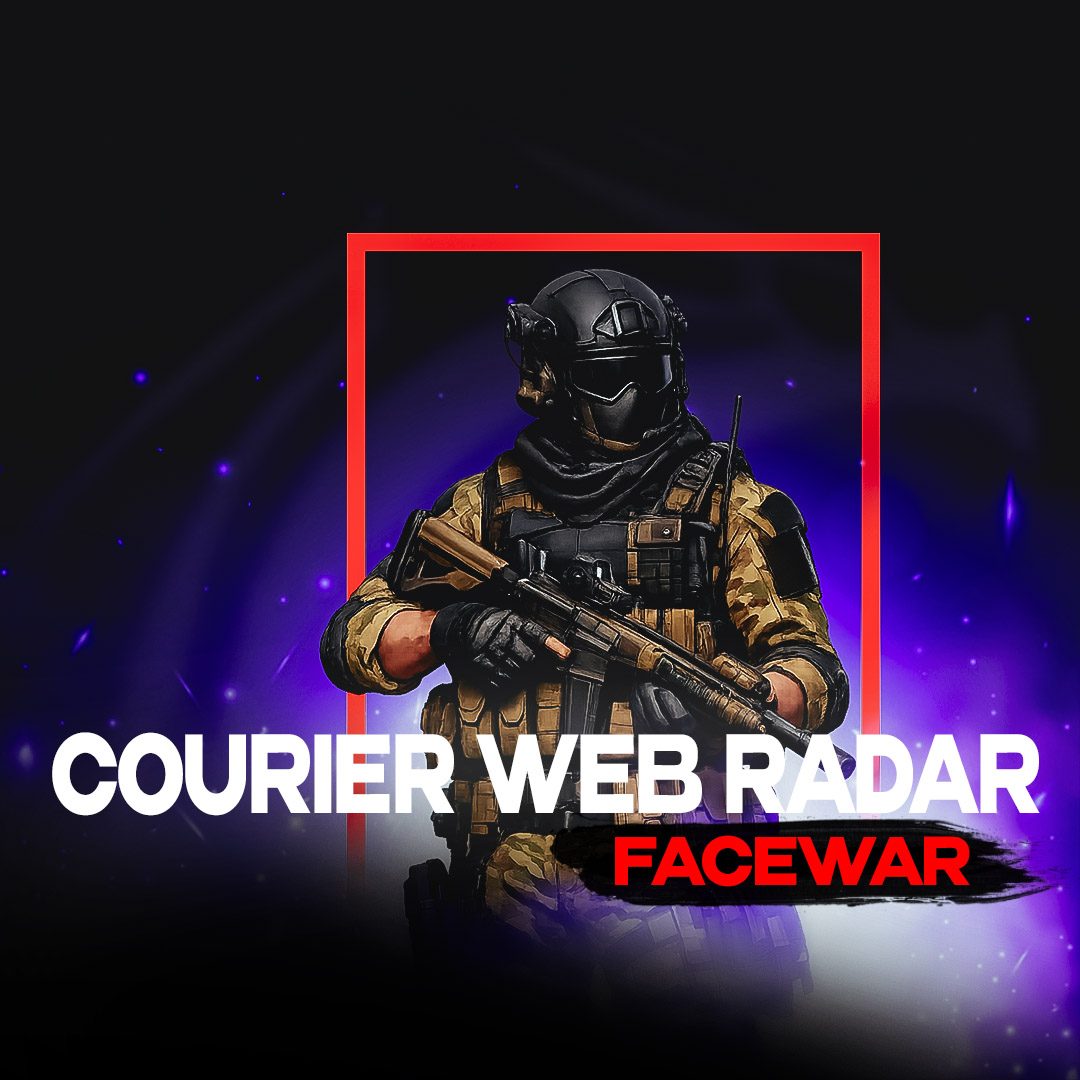
Courier Web Radar cheat for Facewar
Facewar
On Update
1.0(1)- ESP
- Radar
price from:199 GCC
View
Bestseller!Reliable!
MASON Ultra Light cheat for Facewar
Facewar
On Update
No ratings- ESP
price from:199 GCC
View
Mason cheat for Facewar
Facewar
On Update
No ratings- Aimbot
- ESP
- Radar
price from:299 GCC
View
Facewar cheats comparison
Below is a table of every Facewar cheat in our catalog: features, supported launchers and the price per day. Compare aimbot, ESP and other features, pick software that fits your launcher and budget — then go straight to the product you need.
- Undetected
- On Update
| Cheat | Launcher | Features | |||
|---|---|---|---|---|---|
| Courier |
|
| ≈ 4.65 USD/ 1 day | — | |
| Courier Web Radar | — |
| ≈ 2.65 USD/ 12 hours≈ 5.31 USD/day | 1.0(1) | |
| MASON Ultra Light | — |
| ≈ 2.65 USD/ 1 day | — | |
| Mason |
|
| ≈ 3.99 USD/ 1 day | — |
Similar games
Cheats for games of the same genre and anti-cheat — you might like these
Frequently Asked Questions
Frequently Asked Questions
Select a question from the list on the right to see the answer
Is there an Aimbot for Facewar?
What does Facewar ESP show?
Is there a Web Radar for Facewar?
How is Web Radar different from an ESP cheat for Facewar?
Which Facewar cheat should you choose for enemy information?
Private cheats for Facewar: ESP, aimbot and recoil control
In Facewar, positioning, the first accurate shot and awareness of enemy angles often decide the fight. Searches such as “Facewar cheat”, “Facewar cheats” and “buy Facewar cheat” usually target private software with visual information, configurable aiming and weapon settings. The core gameplay involves fast gunfights, positioning and weapon handling, so precise filters and quick profiles are especially useful.
In a tactical shooter, excessive information can be as distracting as missing data. Holding an angle benefits from distance, direction and visibility, while an execute needs separate aiming, recoil and target-priority settings. For Facewar, check the individual product page because module sets and option names may differ.
ESP and wallhack for map awareness
Player ESP helps evaluate enemy positions before direct contact. Depending on the product, visuals may display boxes, skeletons, names, health, weapons, distance and movement direction. Separate colors for visible and occluded targets keep the information readable. In Facewar, this section is easier to configure separately for the map, mode and current engagement range.
In a practical profile, these modules complement one another: Player ESP — displays opponents and essential target data; Aimbot — assists aiming inside the selected FOV; Visibility Check — separates visible targets from occluded ones. In Facewar, distance, color and category controls help adapt the interface to a map without overcrowding the screen.
Player ESP — displays opponents and essential target data.
Aimbot — assists aiming inside the selected FOV.
Visibility Check — separates visible targets from occluded ones.
Recoil Control — adjusts vertical and horizontal recoil.
Radar — shows nearby targets in a compact format.
Aimbot, FOV and weapon profiles
Different weapon classes benefit from separate FOV, smoothing, distance and hitbox values. Pistols, rifles, shotguns and sniper rifles require different aiming speeds, so weapon profiles make it easier to switch settings for the current playstyle. For Facewar, this set is easier to keep as a separate configuration and switch without rebuilding every option manually.
Configurations become especially useful when the same product is used across different maps or modes. Each profile can have its own range, colors and categories. In Facewar, this approach makes it faster to change the displayed data between the main stages of play.
How to choose a Facewar cheat
When choosing a Facewar cheat, decide whether information, aiming or a universal package matters most. ESP, radar and smooth aim suit a restrained setup, while active matches benefit from weapon profiles, triggerbot and advanced recoil settings.
When comparing Facewar products, pay attention to filters, hotkeys and configuration management. These details determine how quickly the menu adapts to another map or role.
How to buy a private Facewar cheat
For Facewar, define the main scenario first and compare products afterward: scouting, PvP, farming, progression or a mixed profile.
When one module is the priority, choose the product with the most detailed controls in that section. Multiple scenarios benefit more from profiles, hotkeys and fast toggles. For Facewar, the final option should match the platform and intended scenario.