
 Discord
 Telegram
Verified buyers only
Only a confirmed buyer can leave a review
 War Thunder
Welcome to our catalog of cheats for War Thunder! We offer you the opportunity to buy the Mason cheat, which is one of the most effective tools to enhance your gameplay experience. Our cheat provides aimbot and enemy visualization features, making it an ideal choice for those who want to dominate on the battlefield.
Purchase the product to leave a review
Review integrity
Only a confirmed buyer can leave a review
A moderator checks every review before it goes live
Reviews can’t be ordered or deleted
The author can edit it at any time
Share your impressions after the purchase — it helps other players choose.
Frequently Asked Questions
Select a question from the list on the right to see the answer
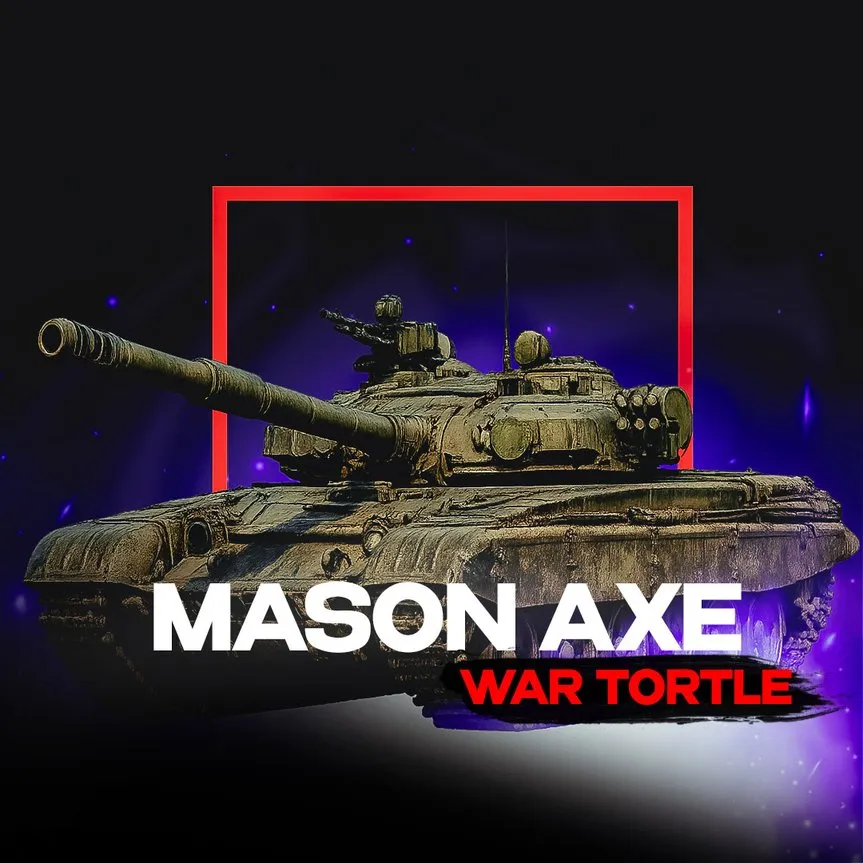
Mason AXE for War Thunder is a private cheat with a bomb-drop sight and vehicle ESP.
As a War Thunder cheat, Mason AXE is built for ground-attack runs rather than aim-assist against other players: the side menu has four tabs — Aimbot, Visuals, World and Misc — and each one does one job. Aimbot stays simple: an on switch, a hotkey and a capture circle with an adjustable radius (Fov), so that it only helps you track a vehicle instead of firing on its own. The tab labelled "Loot" in the published feature list is really the World tab, and it has nothing to do with pickups: it runs a strike computer for ground attacks, with a separate enable switch, drop velocity, impact marker (Dot) and fall time for bombs and again for rockets, which is why it suits lining up a diving pass rather than close-range fighting.
Visuals highlights vehicles: name, nickname, distance and speed in both metres and kilometres, a reload state (Reload) and a timer for how long the last known position stays on screen (Last info). Distance and speed matter, because they tell you who is already in range and who is still closing; the reload flag alone decides whether you fire first or break off. Misc carries arcade-mode crosshairs (Arcade crosshair, Bomb crosshair) and a colour picker per vehicle class — Tank, Heavy, Destroyer, SPAA, Assault, Fighter, Helicopter and Bomber each get their own colour, so that the target list reads at a glance instead of turning into coloured noise. The interface also shows a mini-radar and a per-class unit counter switched on in the same tab; in practice neither is called out separately in the published feature list, but both are clearly active in the screenshots.
The build targets current Windows 10 releases and Windows 11 (21H2, 22H2); CPU and GPU are unrestricted. The disk must use GPT — moving off MBR means repartitioning the machine, not flipping a setting. A USB flash drive is required to launch, because the loader boots from it, which means it is a hardware requirement rather than an optional extra. War Thunder runs through its own launcher or through Steam, and Mason AXE only works in windowed mode, so that fullscreen or borderless is pointless to try. HWID masking (spoofer) is typically not bundled — that is a separate product — and the overlay does show up in a screen capture or stream, which means there is no stream-hiding here.
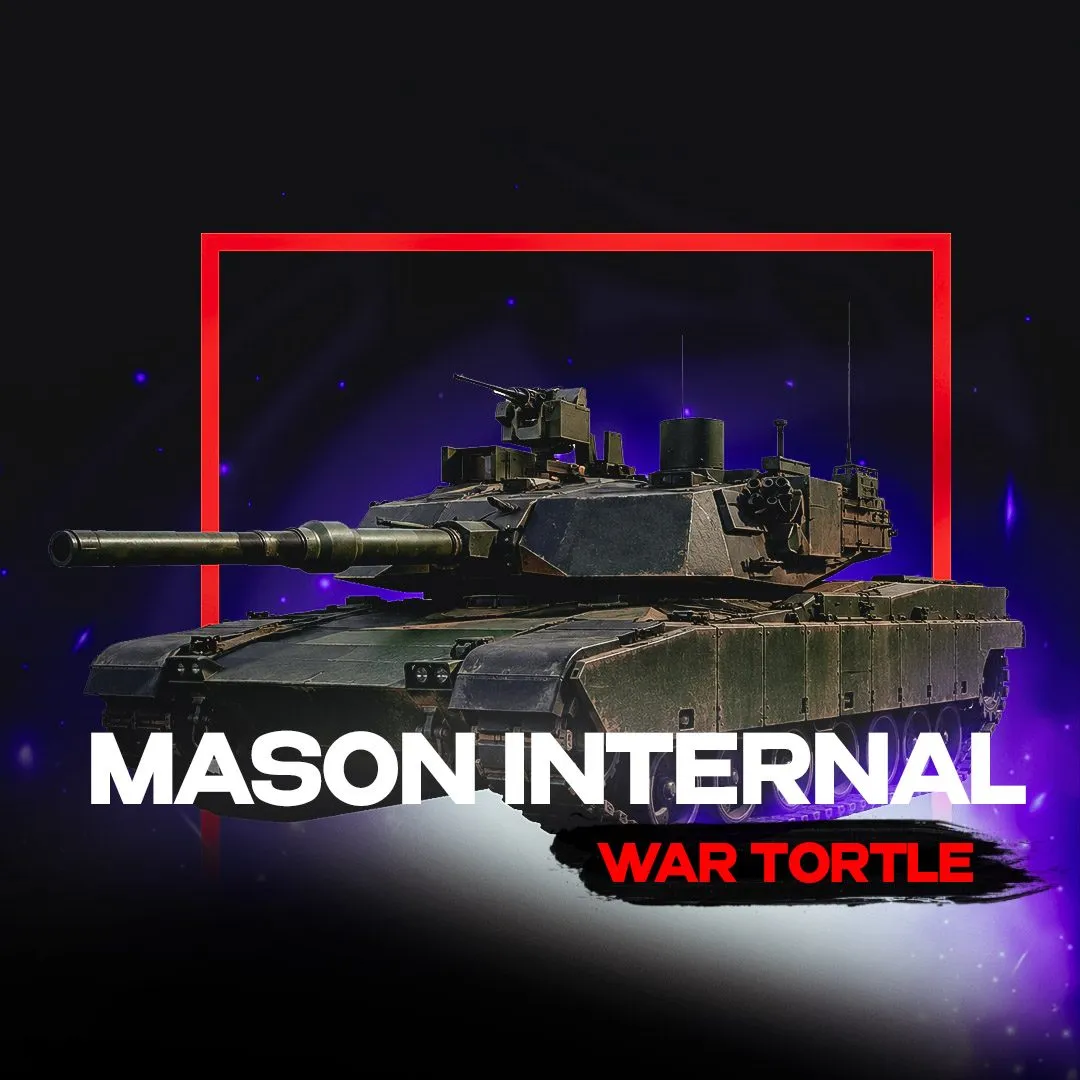
The key is issued right after payment for 1, 7 or 30 days, priced from 349 to 2,999 GCC depending on the term — the shorter the access, the cheaper it is, in practice, to try the build once. Mason sells two other War Thunder builds: a larger one aimed at simulator and realistic battles, worth checking if you need more than a strike computer, Mason WarThunder Internal for War Thunder, and a separate one built for arcade battles. Each has its own feature set, so compare them by their own product page rather than by the catalogue name.