 Discord
 Telegram
Verified buyers only
Only a confirmed buyer can leave a review
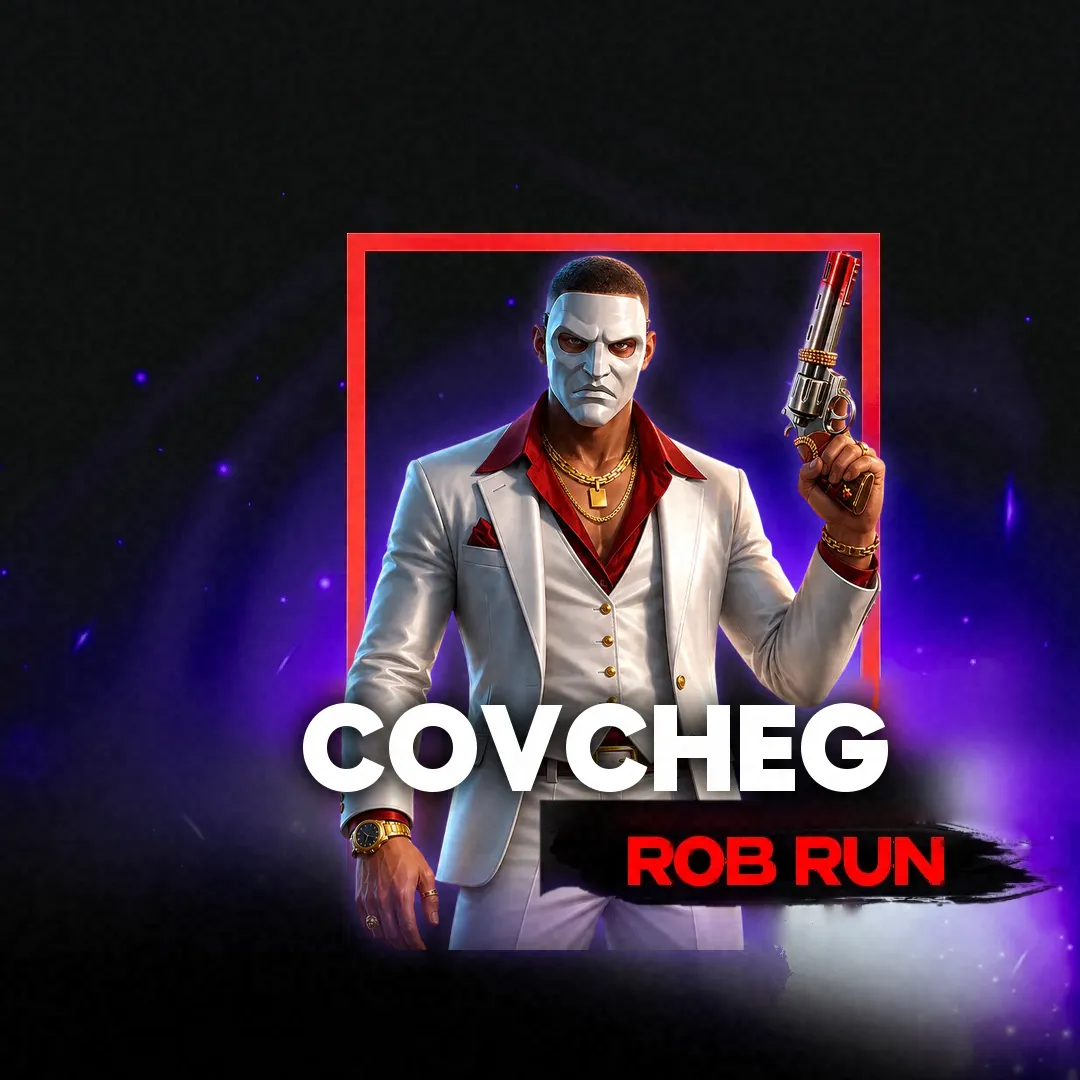
 Rob Run
Covcheg for Rob Run shows players with their name, clan tag, weapon and distance, with cops, robbers and civilians in separate colors. Loot ESP marks loot spots, cargo, bags, car trunks, cameras and bushes with item prices and filters for weapons, ammo, armor, gear and rarity. The aimbot goes for the head, neck, chest, stomach or the closest point with prediction and skips knocked players, civilians and clanmates. The radar colors players by role, and the world layer marks drop-off points, sell points and houses. You need Windows 10 or 11, a GPT disk, BIOS in UEFI mode and a USB flash drive; the game is the Steam version and no spoofer is required. The menu is in Russian and English with three config slots.
The Covcheg cheat for Rob Run is a build for the Steam version with player and loot ESP, an aimbot and a radar. To run it you need Windows 10 or 11, a GPT disk, BIOS in UEFI mode and a USB flash drive the loader boots from; no spoofer is required. If your system sits on MBR or the BIOS runs in Legacy mode, that has to change before you buy. The menu comes in Russian and English. Keys run from one day to a month and stay in your account.
Purchase the product to leave a review
Review integrity
Only a confirmed buyer can leave a review
A moderator checks every review before it goes live
Reviews can’t be ordered or deleted
The author can edit it at any time
Share your impressions after the purchase — it helps other players choose.
Frequently Asked Questions
Select a question from the list on the right to see the answer
The Covcheg cheat for Rob Run shows players, loot and map points and aims with prediction. Below are the requirements and what each menu tab does. The other builds are in the Rob Run cheats section.
The Game client row says Steam: the build targets the Steam version of Rob Run. You need Windows 10 or 11. The disk must use GPT and the BIOS must run in UEFI mode; if your system sits on MBR, moving to GPT means repartitioning, which is worth doing before you buy. The USB-Flash row says Required: the loader boots from a flash drive, so you need one for every launch. CPU is Intel or AMD, GPU is Nvidia or AMD, and no spoofer is required.
The aimbot runs on a key of your choice and aims at the head, neck, chest, stomach or the closest point. The FOV capture angle is set in degrees and its border is drawn on screen; smoothing and target movement prediction are adjustable. The visibility check keeps the crosshair from pulling through walls. Knocked players, civilians and clanmates are skipped, so in Rob Run a stray civilian or your own crew never becomes the target.
Players show as regular or corner boxes and skeletons with their name, clan tag, weapon in hand and distance. Cops, robbers and civilians each get their own color, so a role reads from afar, and a maximum ESP distance keeps the markers in check.
Loot is the busiest tab. It marks loot and loot spots, cargo, bags and car trunks, cameras, bushes and dropped loot, each with distance and price. A minimum price cuts the small stuff, empty objects hide, and weapon, ammo, armor, gear and rarity filters plus an item picker with search keep only what you came for on screen.
The radar shows players colored by role, with adjustable range, size and opacity. The world layer marks drop-off points, sell points and houses with distance, so you never hunt for where to take the loot. You can also turn on a crosshair in the center of the screen.
The menu has three tabs — Aimbot, Visuals and Config. The aimbot tab splits into basic settings (key, capture angle, smoothing, prediction, aim point) and advanced ones (capture border, visibility check and skips), so a basic setup takes a minute and fine-tuning lives apart. The menu language is Russian or English, with three config slots, interface scale, ESP font size, menu render rate and its own menu key.
Keys come for 1, 3, 7 or 30 days, stay in your account, and the price comes off your GCC balance. One day is enough to check the flash-drive launch and settings on your PC; after that a week or a month is more convenient.