1) Open Telegram and find the bot by searching @nfa_accs_bot
2) Press the /start button to begin interaction

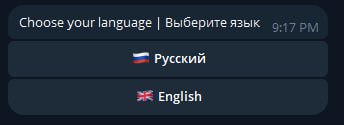
3) Select your preferred language to proceed
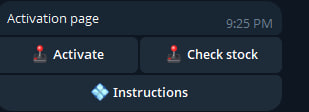
4) Tap the 🔑 Activate Key button to start activation

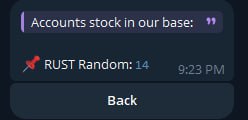
5) Check if accounts are available by clicking the button labeled Check Accounts (this confirms current stock)
6) Press the 🔑 Activate button to move forward
7) Send your purchase key in the chat to validate your access
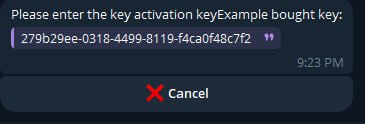
8) After validation, you will receive a specially prepared .exe file for download.
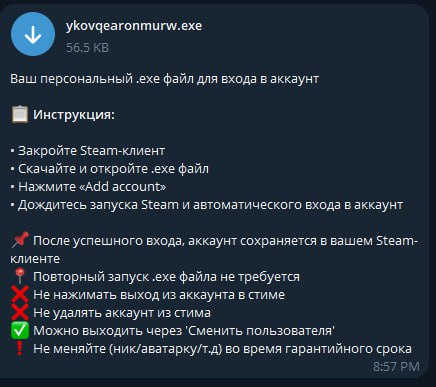
📋 Usage Instructions:
- First, close your Steam client completely to avoid conflicts.
- Download the .exe file sent by the bot and open it on your PC.
- Click the Add account button inside the program.
- The program will automatically start the Steam client and log into the account linked to your key.
📌 Once the login succeeds, the account is saved inside your Steam client for future use.📍 You don’t need to run the .exe file again to access your account later.
⚠ Important rules to avoid issues:
❌ Do NOT log out of the Steam account manually.
❌ Do NOT delete the Steam account from your client.
✅ You can safely log out using Switch User in Steam.
❗️ Do NOT change the account’s nickname, avatar, or other details during the warranty period to keep it valid.