Launching the cheat:
Download the loader (clickable).
Paste the received key into the field and click "Activate NOW".
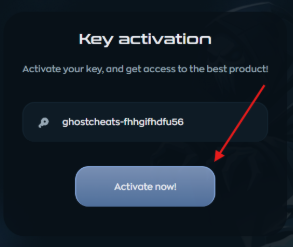
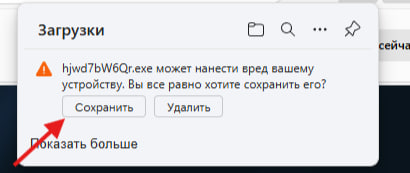
After activation, the loader will begin downloading.
If your browser blocked the download, disable browser protection or use a different browser.
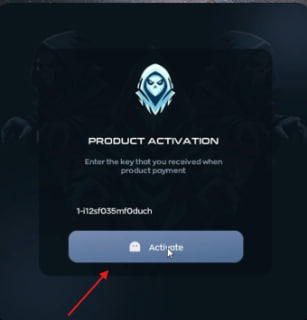
Activation in the loader:
Open the downloaded loader.
Insert the key and click "Activate".
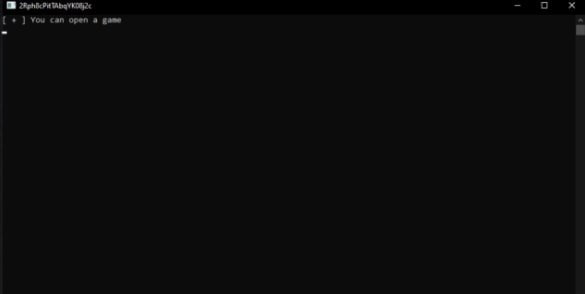
A console window will appear asking you to launch the game.
Open the game - the cheat will be injected automatically.
Activating the radar in your browser:
Open the radar in your preferred browser.
In the window that opens, enter your key.
After entering the key, the radar settings menu and the radar itself will open.
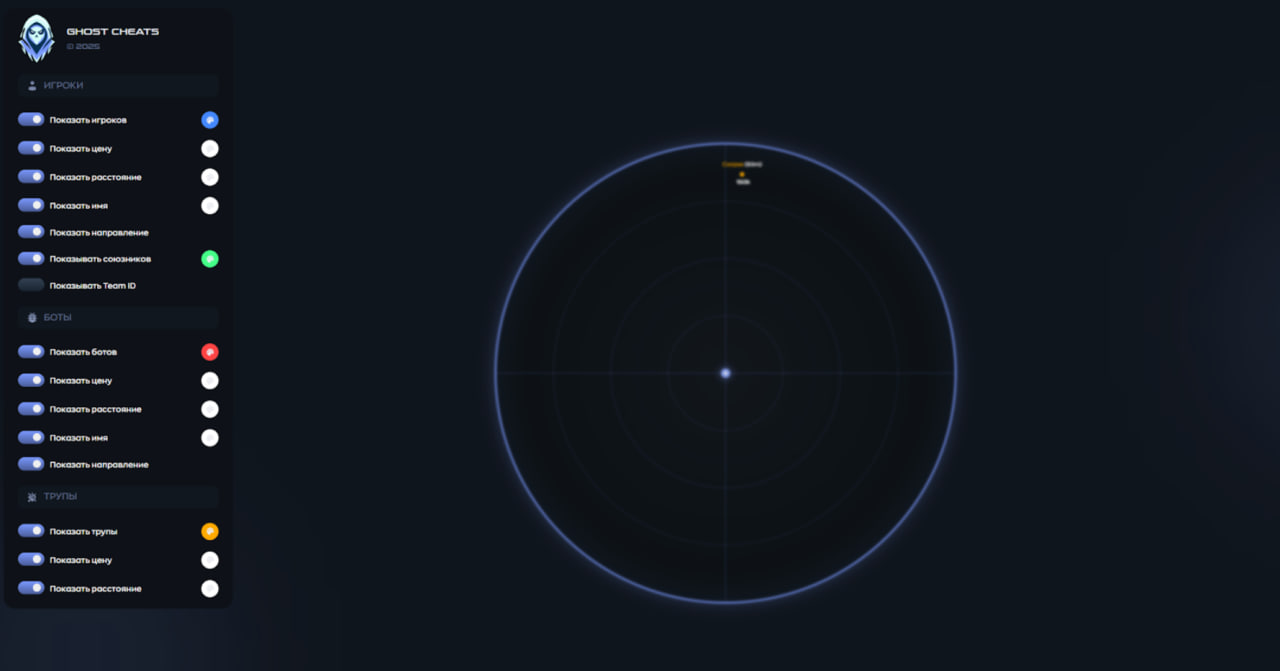
Don't open the radar on your main monitor; there's a risk of blocking it if everything is on one screen.
🛠️ Troubleshooting
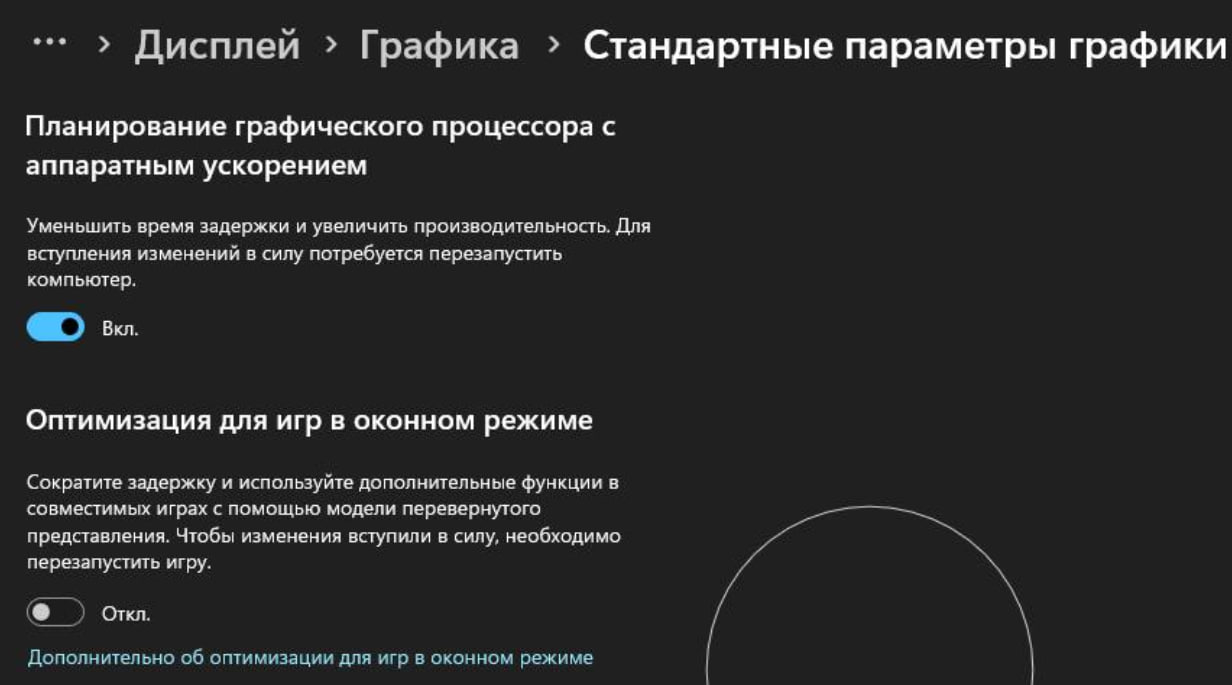
Black screen when starting the product Open Windows Settings (Win + I) → System → Display → Graphics Settings. Find Optimizations for windowed games and disable it. ✅ This should fix the black screen issue.
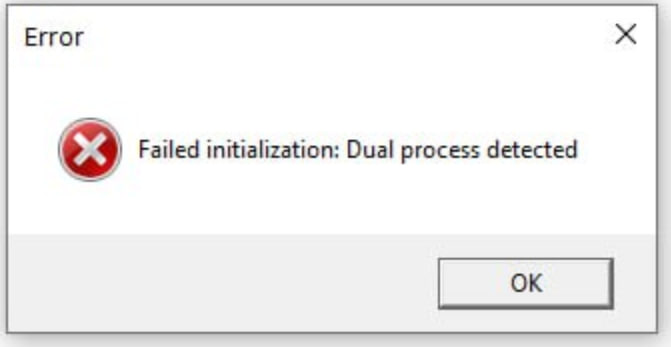
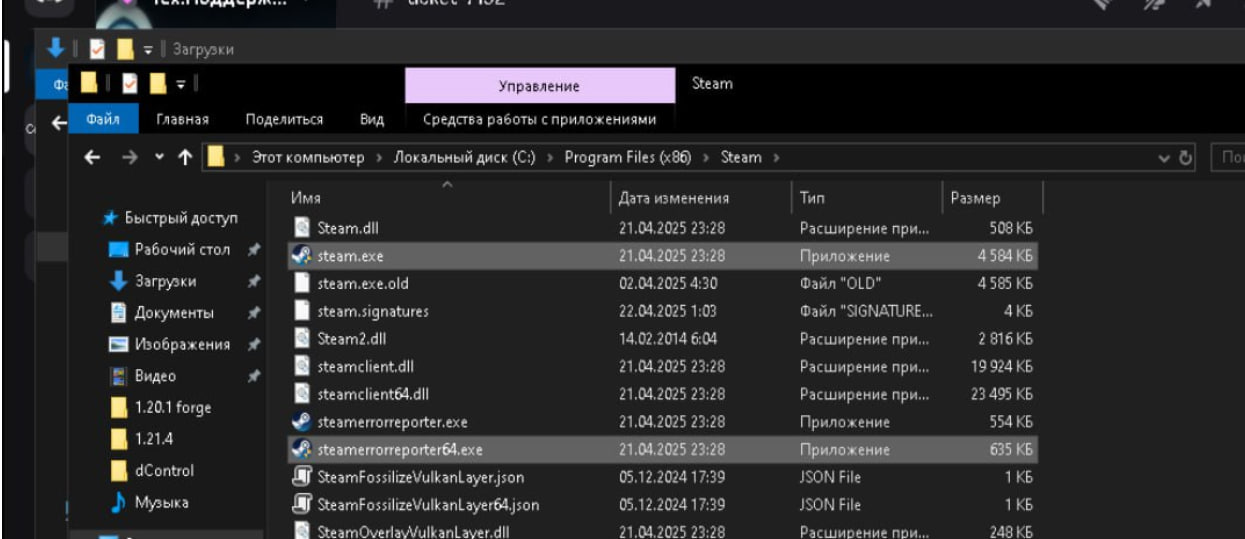
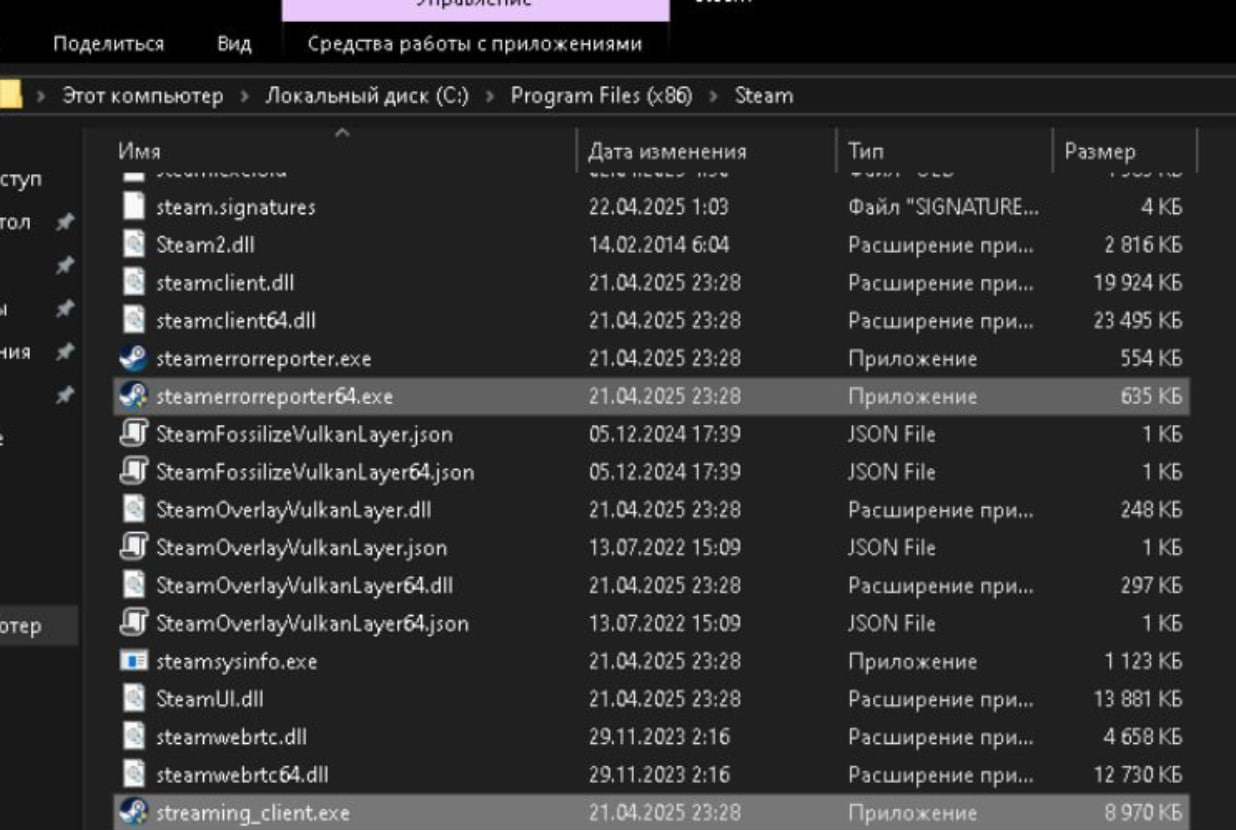
Error “Delta Force: Dual Process detected” Set the required files to run as Administrator.
Low FPS or game crashes Disable all overlays: Nvidia, Discord, Steam, MSI, etc.
ESP lagging Lower the game’s frame rate.
ESP drawing incorrectly Right-click the desktop → Display Settings or use Win + I → System → Display. Under Scale and Layout, set Scaling to 100%.