
Instructions for all Melonity products
PC Preparation Guide for Melonity Cheat Installation
To ensure stable and correct operation of our product, it’s essential to prepare your PC system beforehand. Please follow the instructions below.
Installing Required Visual C++ Packages
- Go to the Melonity website — Click.
- Register an account or log into your existing one.

3. After logging in, you will be taken to your profile’s main page. On this page, download the Visual C++ packages.
.jpg)
4. Run the downloaded installer as administrator and follow the installation instructions.
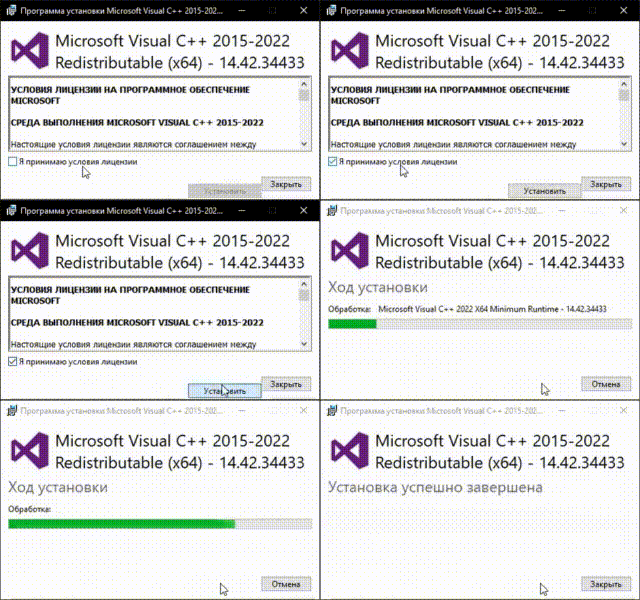
5. After successful installation, it’s recommended to restart your computer
Disabling Windows Active Protection
Melonity V2 uses a new injection method for the game. System protection mechanisms may interfere with proper cheat launching, so we recommend disabling these protections for stable product operation.
- Detailed instructions for disabling required system protections: Click
Installing the Launcher and Starting the Cheat
После того, как были выполнены все необходимые процедуры для обеспечения корректной работы чтения, мы переходим непосредственно к установке лаунчера.
- Go to our website — Click.
- Navigate to your dashboard: Click your login, then choose "Dashboard".
.jpg)
3. На главной странице нажмите на кнопку «Скачать лаунчер».
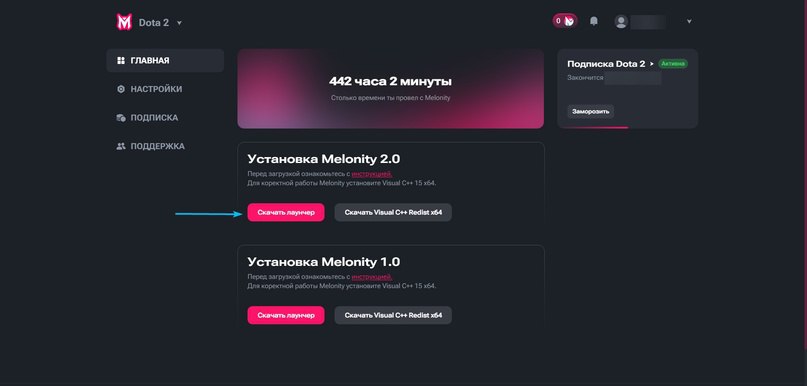
4. After downloading, move the launcher file to your system drive directory, for example: C:\Melonity
.jpg)
5. Launch the launcher as administrator and wait for all files to load, then log into your account.
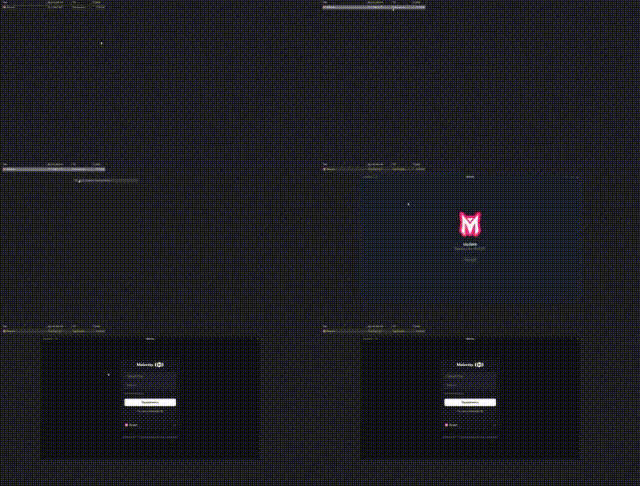
6. After successful authorization, press the “Start Playing” button.
.jpg)
When cheat launch begins, please wait for the game and scripts to fully load.
7. Finished!
You’re all set! The cheat is successfully running. Enjoy your game :)
.jpg)



