📱 After purchase: step-by-step instructions (RU)
This instruction will help you install the application on your iOS device using a personal certificate. Follow the steps in order.
🔑 STEP 1: Obtaining UDID
UDID is the unique code of your device to which the certificate is associated.
Go to the website: https://ipalinks.ru/UDiD
Follow the video instructions on the website to get your UDID
Do everything as in the video and send us your UDID to bind the certificate
📲 STEP 2: Installing ESign
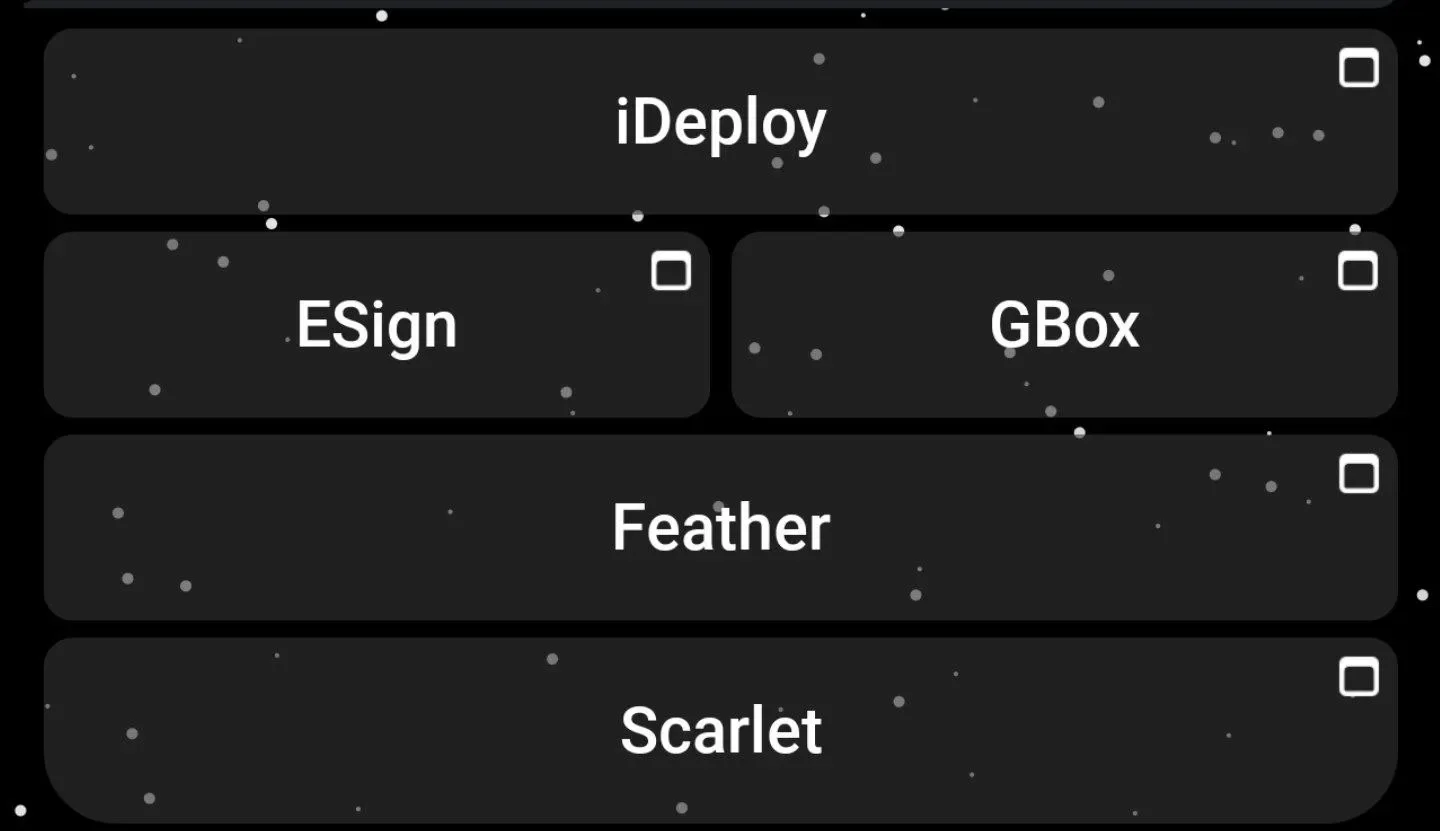
ESignis a program for installing IPA files using a certificate.
Watch ESign installation video
⚠️ Important: we have Super Certificates, so we use the bot @UDiD_dlbot
The principle is the same as in the video, just instead of a regular certificate you will use the bot
✅ STEP 3: Activate the certificate
After receiving the UDID and installing ESign, you need to activate the certificate.
Open the bot: @UDiD_dlbot
The bot will give you two files - this is your certificate
Install the certificate via ESign following the video instructions
📥 STEP 4: Download and install IPA
Now that the certificate is activated, you can download any IPA files and install them via ESign.
Download the required IPA file from the source provided to you
Open ESign and select the IPA installation option
Select the downloaded file and confirm installation
Wait for the installation to complete and run the application
Video: Installing IPA Files