 Discord
 Telegram
Verified buyers only
Only a confirmed buyer can leave a review
 Fortnite
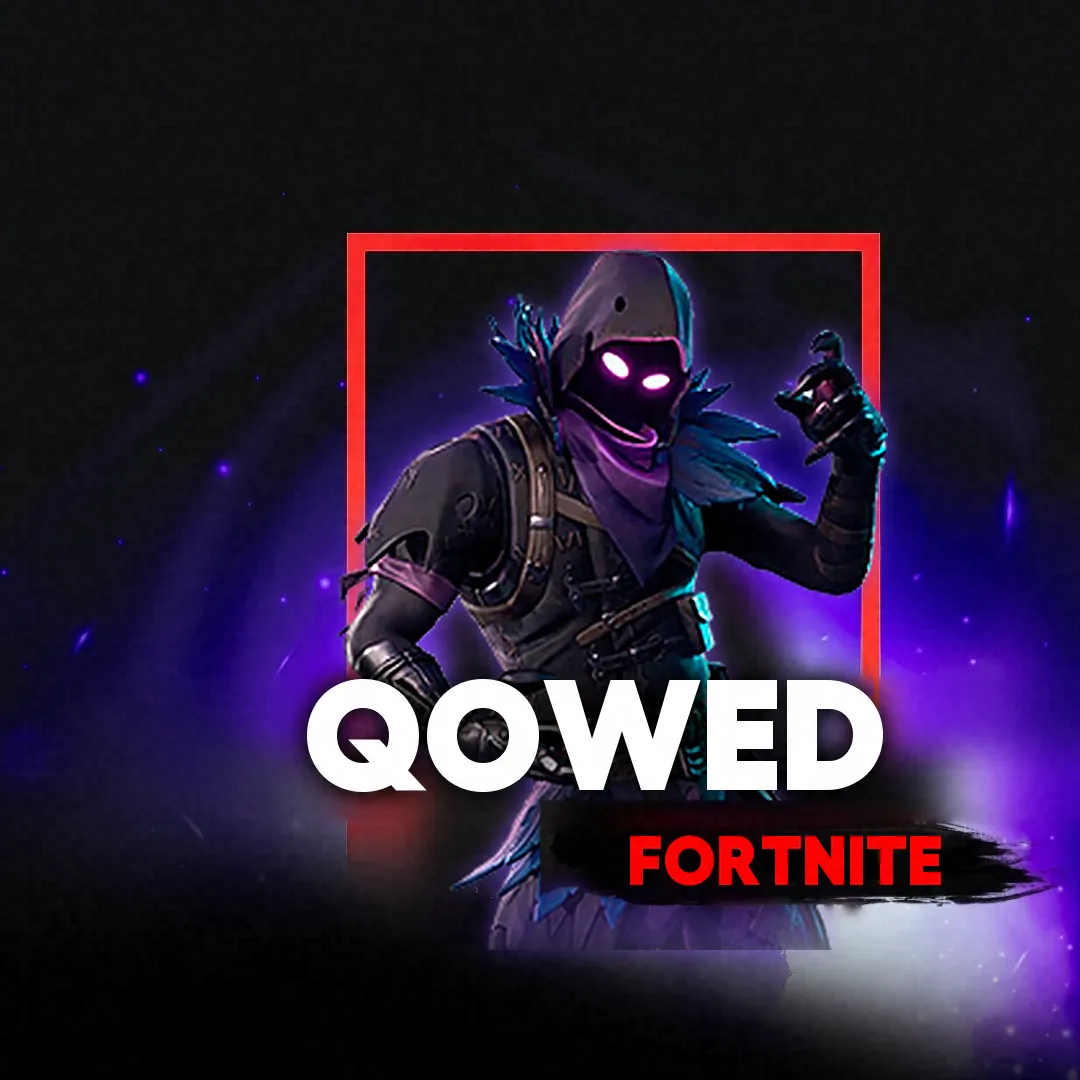
QOWED for Fortnite reads the game from a second PC over DMA and shows players with boxes, skeletons and distance, visibility colors, their weapon and its rarity, eliminations and platform; bots can be hidden. Loot ESP marks chests, ammo boxes, llamas, floor loot, supply drops and vehicles with a rarity filter. The aimbot keeps profiles per weapon class with their own FOV, smoothing and bone, and the triggerbot fires with a delay. The Fortnite key is added in the loader separately: Overlay → Account → Add a key. The QOWED loader runs on a second PC, with a Screamer or Squirrel DMA card in the gaming PC. Aimbot, triggerbot and recoil control need an input device — MakCU, KMBox, KMBox Net, Arduino or Ferrum — and the overlay goes to a separate monitor or through a fuser. The second PC needs Microsoft Edge WebView2.
QOWED is a Fortnite DMA cheat that reads the game from a second PC through a DMA card, with nothing installed on the gaming computer. It shows players and loot, and the aimbot and triggerbot work through an input device; the feature list names KMBox and MakCU. The Fortnite key is added in the loader separately: Overlay → Account → Add a key. Without a second PC and a card the build will not start. Keys run from one day to three months and stay in your account.
Purchase the product to leave a review
Review integrity
Only a confirmed buyer can leave a review
A moderator checks every review before it goes live
Reviews can’t be ordered or deleted
The author can edit it at any time
Share your impressions after the purchase — it helps other players choose.
Frequently Asked Questions
Select a question from the list on the right to see the answer
QOWED is a Fortnite DMA cheat that reads the match from a second computer. Below are the hardware, player and loot ESP and how aiming works. Other DMA builds for this game are in the Fortnite DMA section.
The game stays on your main computer while QOWED runs on a second one: the DMA card in the gaming PC passes it the game memory. That is why the Second PC row is mandatory, and the card is not part of the key — you need a Screamer or a Squirrel. The second machine needs Windows 10 or 11 plus Microsoft Edge WebView2 from the Components row.
The Input device row lists MakCU, KMBox, KMBox Net, Arduino or Ferrum. Your mouse plugs into the device, the device into the gaming PC, and the control cable goes to the second computer; KMBox Net connects over the network. The build moves the crosshair and presses fire through this device, so without it there is no aimbot, triggerbot or recoil control, while ESP and the radar still work.
The Overlay row gives two options. A separate monitor shows the second PC picture next to the game, and a fuser lays it over the game image on one screen. In the loader these are the One PC and Two PCs / fuser modes.
Players are drawn with boxes, skeletons and distance, and the color changes with visibility, so you see at once who is open to a shot. Above each player you see the weapon and its rarity, eliminations and platform, which tell you whom to fight and whom to avoid. Bots can be hidden so early-game markers do not clutter the screen.
Loot ESP marks chests, ammo boxes, llamas, floor loot, supply drops and vehicles. A rarity filter keeps what matters, loot has its own range, and opened chests hide so you do not run to empty ones.
The aimbot keeps profiles per weapon class, each with its own FOV, smoothing and bone, so a shotgun and a rifle aim differently. The triggerbot fires automatically with a delay. Movement and shots go through the input device — the feature list names KMBox and MakCU.
The loader goes on the second PC in its own folder such as C:\QOWED — not Downloads, the desktop or OneDrive; if your card firmware ships its own leechcore.dll, put the loader next to it. After you enter the key it downloads the program and DMA components itself. On first launch pick One PC for a separate monitor or Two PCs / fuser for a fuser, then start the game on the gaming PC. Insert opens the menu, and Overlay → Status shows whether the game is detected and the DMA device is connected.
Keys for QOWED for Fortnite come for 1, 7, 30 or 90 days. One day is enough to test the build with your DMA card, input device and overlay; once everything fits, a month or three pays off better. The key stays in your account, and the price comes off your GCC balance.