 Discord
 Telegram
Verified buyers only
Only a confirmed buyer can leave a review
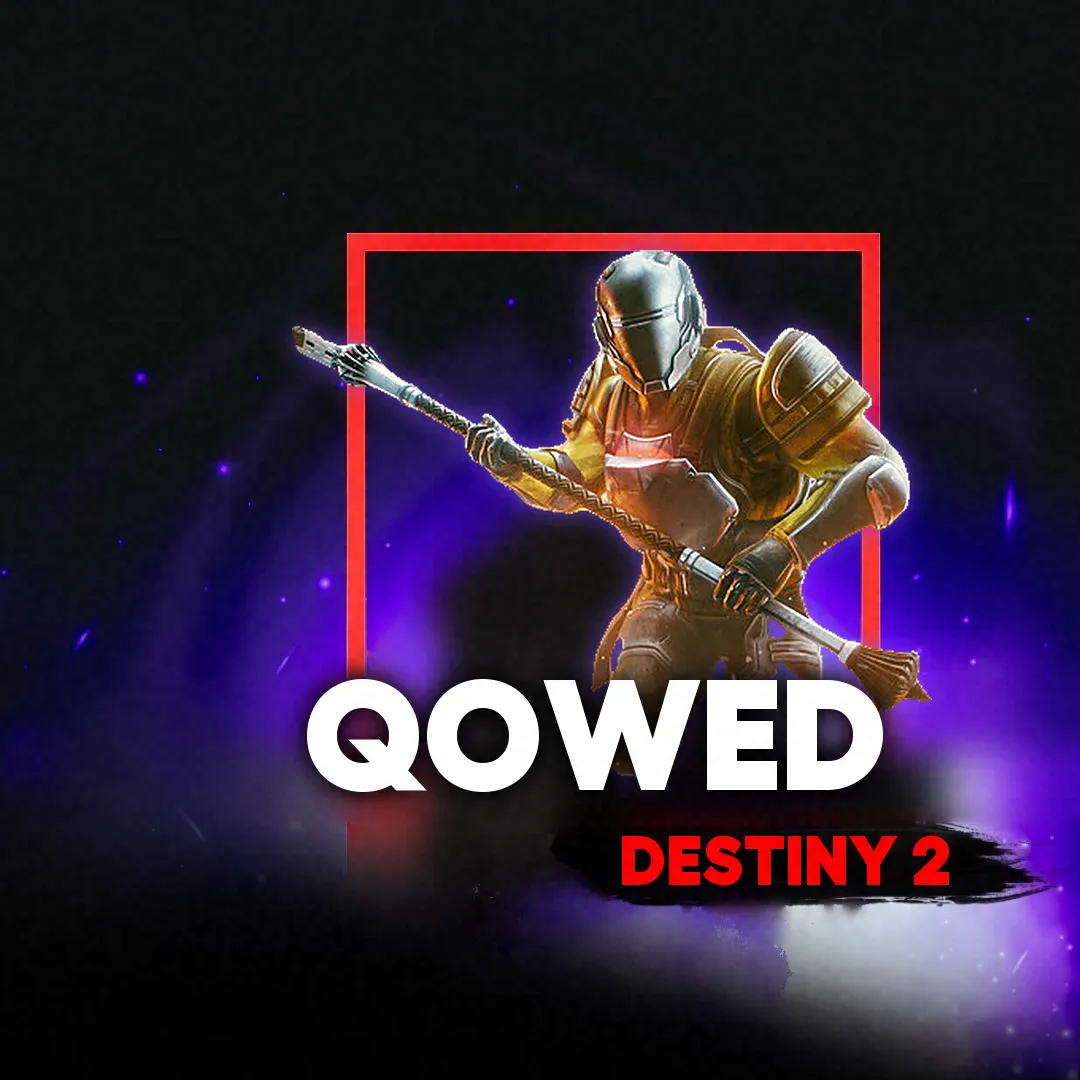
 Destiny 2
QOWED for Destiny 2 shows player skeletons, health and shields with real names, splits teams in PvP and marks PvE enemies. Aimbot, triggerbot and recoil control also work on a gamepad: controller mode engages them while you aim, though a mouse device is still required. A 2D radar and a party web radar are included. The QOWED loader runs on a second PC, with a Screamer or Squirrel DMA card in the gaming PC. Aimbot, triggerbot and recoil control need an input device — MakCU, KMBox, KMBox Net, Arduino or Ferrum — and the overlay goes to a separate monitor or through a fuser. The second PC needs Microsoft Edge WebView2.
QOWED is a Destiny 2 DMA cheat that runs on a second PC through a DMA card, with nothing installed on the gaming computer. It shows players in PvP and enemies in PvE, and the aimbot, triggerbot and recoil control work through an input device — MakCU, KMBox, KMBox Net, Arduino or Ferrum. If you play on a gamepad there is a controller mode, but a mouse device is still required. Keys run from one day to three months and stay in your account.
No media available
Purchase the product to leave a review
Review integrity
Only a confirmed buyer can leave a review
A moderator checks every review before it goes live
Reviews can’t be ordered or deleted
The author can edit it at any time
Share your impressions after the purchase — it helps other players choose.
Frequently Asked Questions
Select a question from the list on the right to see the answer
QOWED is a Destiny 2 DMA cheat that reads the game from a second computer. Below are the hardware, the ESP and gamepad mode. Other DMA builds for this game are in the Destiny 2 DMA section.
The game stays on your main computer while QOWED runs on a second one: the DMA card in the gaming PC passes it the game memory. That is why the Second PC row is mandatory, and the card is not part of the key — you need a Screamer or a Squirrel. The second machine needs Windows 10 or 11 plus Microsoft Edge WebView2 from the Components row.
The Input device row lists MakCU, KMBox, KMBox Net, Arduino or Ferrum. Your mouse plugs into the device, the device into the gaming PC, and the control cable goes to the second computer; KMBox Net connects over the network. The build moves the crosshair and presses fire through this device, so without it there is no aimbot, triggerbot or recoil control, while ESP and the radar still work.
The Overlay row gives two options. A separate monitor shows the second PC picture next to the game, and a fuser lays it over the game image on one screen. In the loader these are the One PC and Two PCs / fuser modes.
ESP shows player skeletons, health and shields with real decrypted names. Shields matter in Destiny 2: they tell you whom to finish now and whom not to start on. In PvP teams are split so allies and enemies never mix, and in PvE the build marks enemies.
If you play on a controller, gamepad mode engages the aimbot, triggerbot and recoil control while you aim. A mouse device is still required: the build sends crosshair movement and shots through it. The mode is under Aimbot → Controller in the menu.
The aimbot runs on hold, toggle or always on and aims at the head, chest or pelvis inside the FOV circle. Smoothing follows a curve, and human-like movement plus reaction time make the aim look manual; friends are excluded from targets. The triggerbot fires only when the crosshair is already on the chosen bone, with reaction time, a random delay and an interval between shots. Recoil control is calibrated per game and sensitivity and also works through the mouse device.
The web radar opens from a link in the browser: you send it to your party, each member picks their name so the map centers on them, and a new code turns the old link off. The shared radar merges members automatically. Configs are saved to the cloud and shared by code, the loader updates the build itself, the overlay hides from recordings and streams, and nothing is installed on the gaming PC.
Keys for QOWED for Destiny 2 come for 1, 7, 30 or 90 days. One day is enough to test the build with your DMA card, input device and overlay; once everything fits, a month or three pays off better. The key stays in your account, and the price comes off your GCC balance.