
 Discord
 Telegram
Verified buyers only
Only a confirmed buyer can leave a review
 UNTURNED
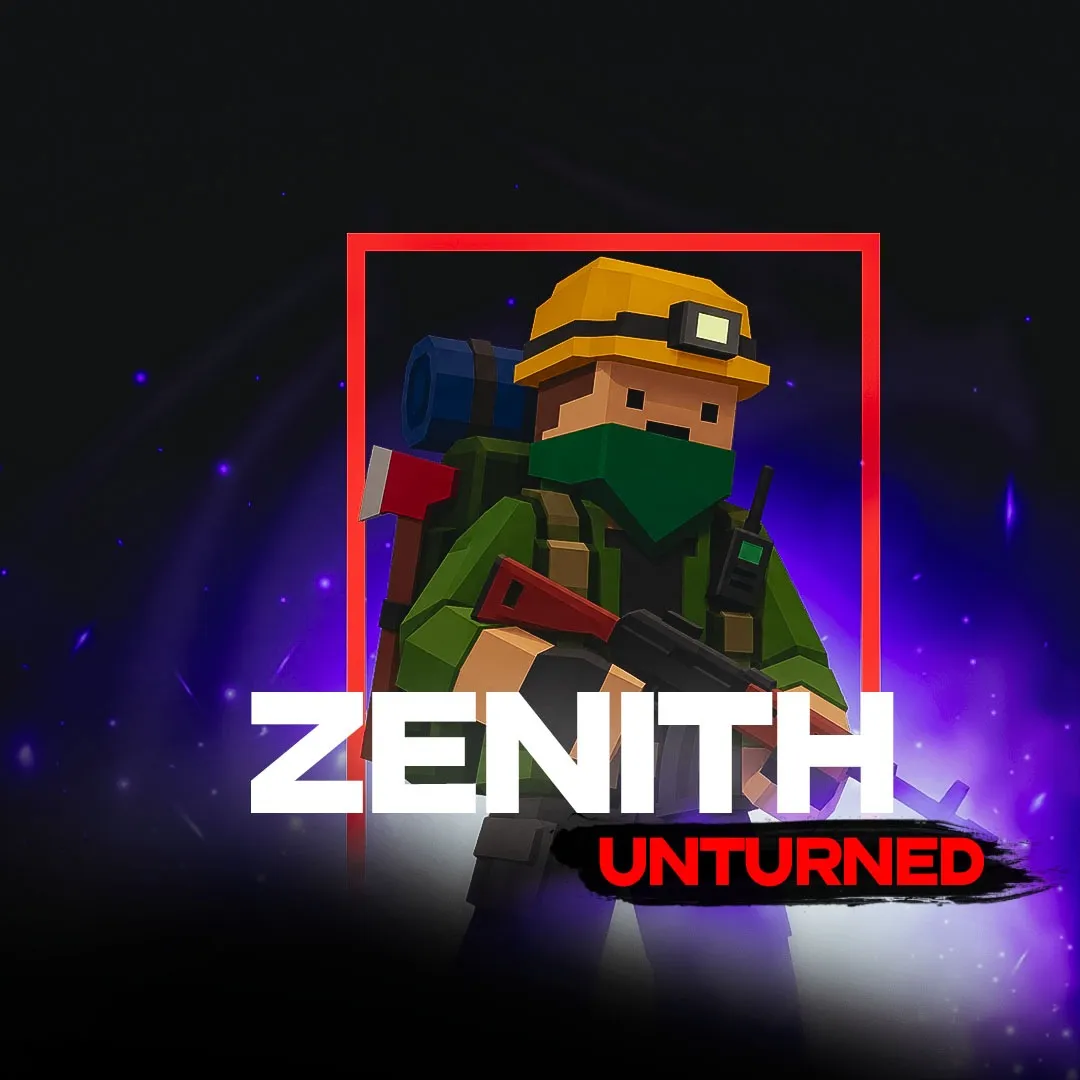
Zenith is a private external cheat designed for a smooth and comfortable experience in Unturned. The software uses a reliable combination of a Kernel driver and an overlay, providing a high level of stability and security. The cheat includes a powerful Aimbot with Silent Aim support and automatic target switching. The visual ESP system allows you to easily track players, zombies, animals, and vehicles, with customizable colors and display styles. Zenith also places a strong focus on item tracking. The built-in Item ESP includes dozens of filter categories, ranging from weapons and medical supplies to vehicle parts and building materials. Additionally, the software can disable recoil, weapon spread, and various negative effects such as stunning and hallucinations.
Zenith is an external Unturned cheat with dedicated Aimbot, Visuals, Items, Misc, and Other sections. The software combines aim assistance, ESP for players and world targets, Item ESP, item filters, and additional weapon options.
The Aimbot includes Silent, Auto switch, Vis check, FOV, Max dist, Speed, and selectable target bones. Visuals supports players, zombies, animals, and vehicles with box, name, distance, and health options. Items provides extensive item and animal filters, while Misc includes No spread, No recoil, No sway, No stun, No pain, and No hallucination.
Zenith is intended for Unturned players looking for visual tools, configurable targeting, and additional gameplay-related options within one external interface.
Purchase the product to leave a review
Review integrity
Only a confirmed buyer can leave a review
A moderator checks every review before it goes live
Reviews can’t be ordered or deleted
The author can edit it at any time
1. хоть в аимботе и есть "сайлент", но это не сайлент, а просто бинд аима на пкм и лкм 2. скорость аима ничего не меняет 3. очень часто миссает на расстояния больше ста метров 4. иногда подлагивает (именно сам оверлей), но терпимо 5. визуалы не работают ни на что кроме игроков, да и то на игроках не видно ник В целом чит можно взять только для легитной игры с есп+аим, но чего то большего он не способен (хотя чего можно ожидать за 100 руб/день)


Frequently Asked Questions
Select a question from the list on the right to see the answer
Zenith is a paid external Unturned cheat built on a kernel driver, with an ImGui menu.
One window covers aimbot, ESP for players, zombies, animals and vehicles, plus item filters and weapon tweaks.
Enable is the master switch, and Auto switch grabs the next target the moment the current one dies, so that there is no manual re-click. Silent Aim keeps the correction hidden on left and right mouse button input, while Vis check refuses to snap onto anything not fully visible on screen. FOV runs 20–400, Max dist 20–500, and Speed 1–20 — tightening FOV and lowering Speed keeps aim looking hand-driven on populated servers. Aim key defaults to the right mouse button, and the target bone — Head, Chest, Pelvis or Legs — is set separately, so a fast body shot is one click away when a headshot is not worth it.
ESP tracks players, zombies, animals and vehicles as four independent toggles, which means zombie ESP can stay on while animal ESP switches off on a PvP server where it only adds clutter. Box type swaps between Full, Corner and Box3D outlines, and ESP Preview opens a live preview panel in the settings, useful for checking box style without tabbing back into the game. ESP's own Max dist runs 50–500, wider than the aimbot's range, which means player markers show up before a target is close enough to lock onto.
Item ESP is where Unturned looting gets faster: filters are grouped by category — clothing and armor, guns and attachments, food and water, medical supplies, fuel, base parts and storage, traps and resources, plus vehicles. A separate set of animal filters — Bear, Deer, Wolf and the rest — toggles apart from players and zombies, handy when a server leans on PvE resource runs and extra ESP clutter is not worth it.
No spread and No recoil remove bullet spread and kick during automatic fire, and No sway stops the sight from drifting on the move, so a burst fired while running lands about as tight as one fired standing still. No stun, No pain and No hallucination disable three status effects that normally throw off aim after a hit or an infection tick. Font size scales the ESP text from 0.8 to 2.5 to fit different resolutions, and Settings also lets a config be saved, loaded or reset, and the menu background changed — not called out in the published feature list, but visible right in the interface. Menu key defaults to Delete, Panic key to F9 for an instant exit, and Quit key to End.
Windows 10 or 11 x64, administrator rights and the Microsoft Edge WebView2 Runtime are required, or the login window will not open. DirectX 11 with a current graphics driver and an internet connection matter beyond launch, because the connection also activates the key and reconfirms it roughly every 30 seconds in the background. The cheat targets Unturned on Steam; entering a game world before use is recommended over leaving the cheat idle in the launcher, so that the game reliably registers as running.
Buy a cheat for UNTURNED on one of three durations: 1 day for 100 GCC, 7 days for 500 GCC or 30 days for 1000 GCC; GCC is the platform's internal balance, topped up separately from the purchase itself. Keys use the AMT- prefix and are usually bound to HWID through MachineGuid, working immediately after purchase — once the Successful! status appears, the menu opens after 3 seconds. The key lands in the account automatically, with no manual handoff. Zenith is not the only cheat for UNTURNED in the catalogue: the same Steam client is also covered by Mason for Unturned and Arcane for Unturned, each worth comparing on price and features.