
 Discord
 Telegram
Verified buyers only
Only a confirmed buyer can leave a review
 PUBG
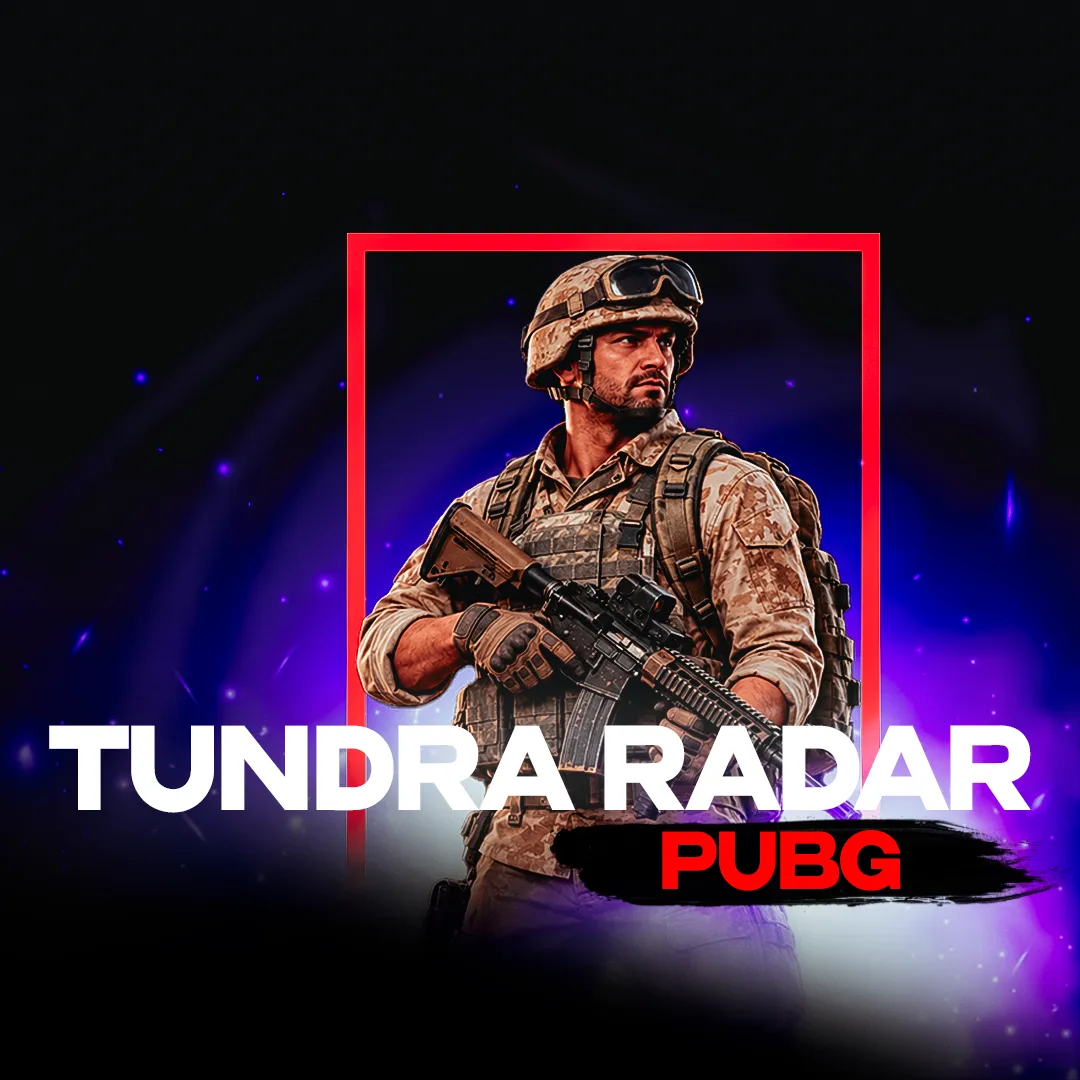
PUBGTUNDRA RADAR is a radar for PUBG that shows players, vehicles, loot, containers and airdrops on the map in real time. For each player it displays the nickname, team color, HP bar, current weapon, view line, distance, height indicator and helmet, armor and backpack levels. In the settings you can toggle layers and labels, adjust marker sizes, switch the view between teammates, enable follow mode and choose a map: Erangel, Miramar, Taego, Deston, Vikendi, Rondo, Sanhok and others.
TUNDRA RADAR is a PUBG radar that puts all the key information about the match on one map. You see player positions in real time, team colors, nicknames, HP bars, held weapons and view lines. For each player you can check the distance, the ▲/▼ height indicator with an adjustable threshold in meters, and the helmet, armor and backpack levels.
Besides players, the radar shows vehicles with their durability and fuel, as well as loot and containers: crates and airdrops with their contents. The map selection covers Erangel, Miramar, Taego, Deston, Vikendi, Rondo, Sanhok and others. Learn more about other PUBG products in the cheats catalog.
Purchase the product to leave a review
Review integrity
Only a confirmed buyer can leave a review
A moderator checks every review before it goes live
Reviews can’t be ordered or deleted
The author can edit it at any time
Share your impressions after the purchase — it helps other players choose.
Frequently Asked Questions
Select a question from the list on the right to see the answer
The radar is split into layers: players, vehicles, loot, containers, zone and view lines. Each layer can be switched on or off separately, so only the information you need stays on the map.
Player labels are configurable: nickname, distance, weapon, weapon icons, HP bar and height indicators. Marker sizes are adjusted with sliders: player dot, vehicle marker, loot icon and dot, and the length of your own view line and other players' view lines.
When zoomed in, loot is shown as icons; when zoomed out, as dots. Stacked items are grouped: up to 4 icons are shown along with a counter for the remainder. Loot can be filtered by category.
The interface includes switching the view to any teammate, a follow mode where the map tracks the selected player, a fullscreen mode and a settings reset.