Discord
 Telegram
Verified buyers only
Only a confirmed buyer can leave a review
 Overwatch 2
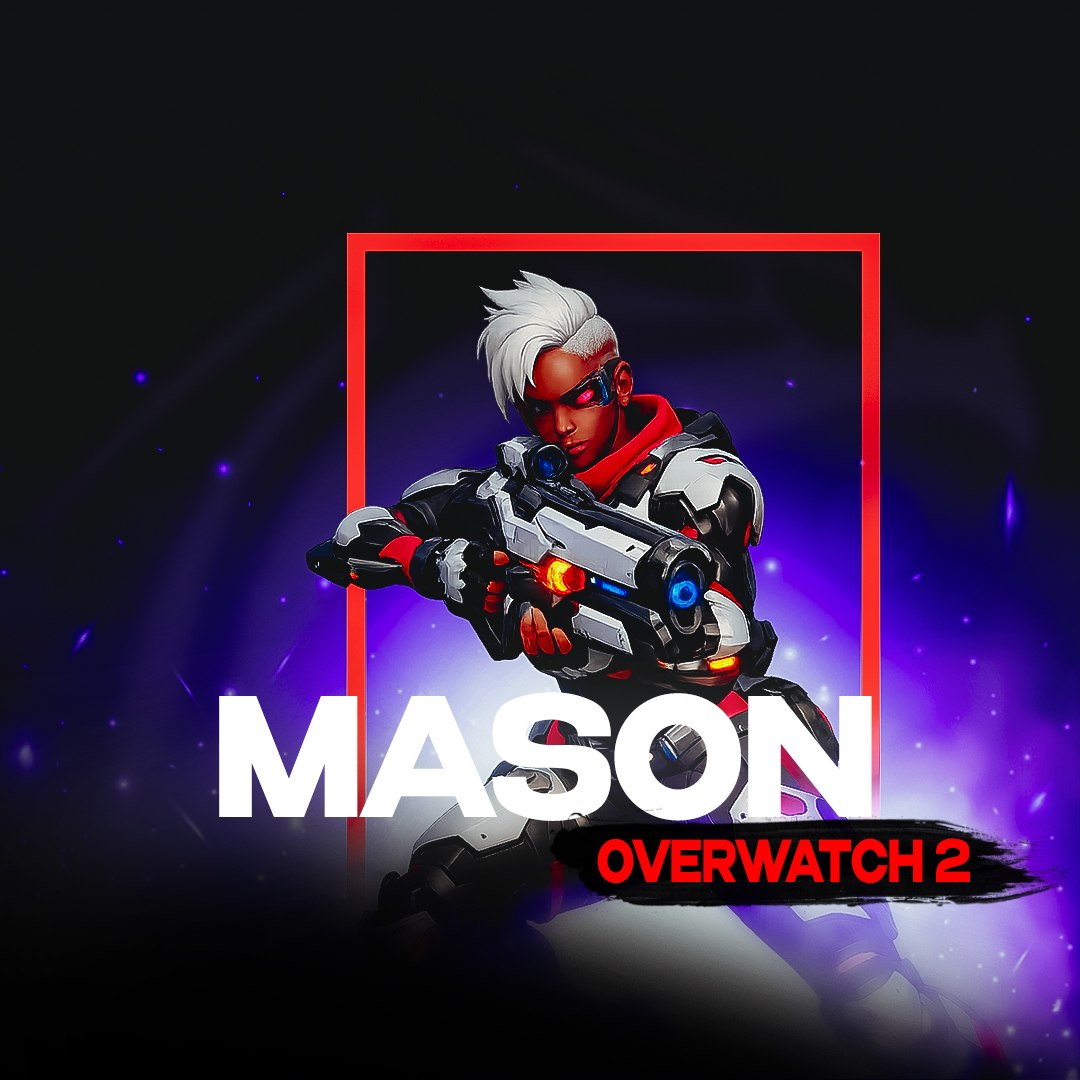
Looking to buy a cheat for Overwatch-2? The Mason cheat is the perfect solution for those who want to dominate the game! With our Overwatch-2 cheats, you will gain access to powerful features including aimbot and ESP, helping you stay one step ahead of your opponents.
Purchase the product to leave a review
Review integrity
Only a confirmed buyer can leave a review
A moderator checks every review before it goes live
Reviews can’t be ordered or deleted
The author can edit it at any time
Share your impressions after the purchase — it helps other players choose.
Frequently Asked Questions
Select a question from the list on the right to see the answer
Mason cheat for Overwatch 2: one aim module and player boxes, 8 settings total.
Aimbot vector pulls the crosshair along a vector instead of just snapping onto a target, and it toggles on its own hotkey — Aimbot key is yours to set, not fixed to one button. Aimbot FOV sets the radius the aim module reacts inside — that circle around the crosshair is the one visible in the screenshots. Keep it tight in close corridors and open it up on long sightlines, where a target shows up far away and needs to be caught early. Smooth controls how gradually the crosshair eases onto a target: turn it up and the correction reads less like an aimbot to anyone reviewing your footage frame by frame. Sensivity pulls its value straight from Overwatch 2's own settings, so the aim assist stays in sync if you change sensitivity inside the game itself, instead of tuning two numbers separately.
Draw ESP boxes every player inside the visible radius, which is faster to read at a glance mid-fight than checking the team roster in the corner. Draw FOV toggles the aim circle on its own, so you can confirm before a match that the radius isn't set wider than a fast-cooldown hero needs. Change team flips which side gets drawn as friendly — useful if the team read gets confused after you switch heroes mid-match or rejoin a game in progress.
The game has to run through Steam — no other launcher is listed in the requirements, so it's worth checking which client your copy uses before buying a key. Windows 10 and Windows 11 are supported, but not every build: the 24H2 and 25H2 updates are not on the list, so match your installed version against it first. CPU is Intel or AMD, GPU is unrestricted, and the disk has to be GPT — moving off MBR means repartitioning the drive, not a setting inside the cheat itself. Mason runs in windowed or fullscreen mode; other display modes aren't supported. No separate USB flash drive is needed to install it. The overlay does show up in a screen capture or a stream — the developer does not claim it stays hidden, worth planning around if you record. HWID masking usually isn't bundled with this key — it's a separate Overwatch 2 cheat with its own key, for anyone who needs hardware masking on top.
Access is sold as a key for 1, 7 or 30 days, running from 399 to 2999 GCC depending on the term. Payment comes off the account's GCC balance, and the key is issued right after checkout and stored in your profile alongside its expiry date, with nothing to wait on manually. Other cheats for the game sit on the Overwatch 2 page, including builds with a different feature set, if you want to compare Mason against the rest of the catalogue.