 Discord
 Telegram
Verified buyers only
Only a confirmed buyer can leave a review
 Roblox
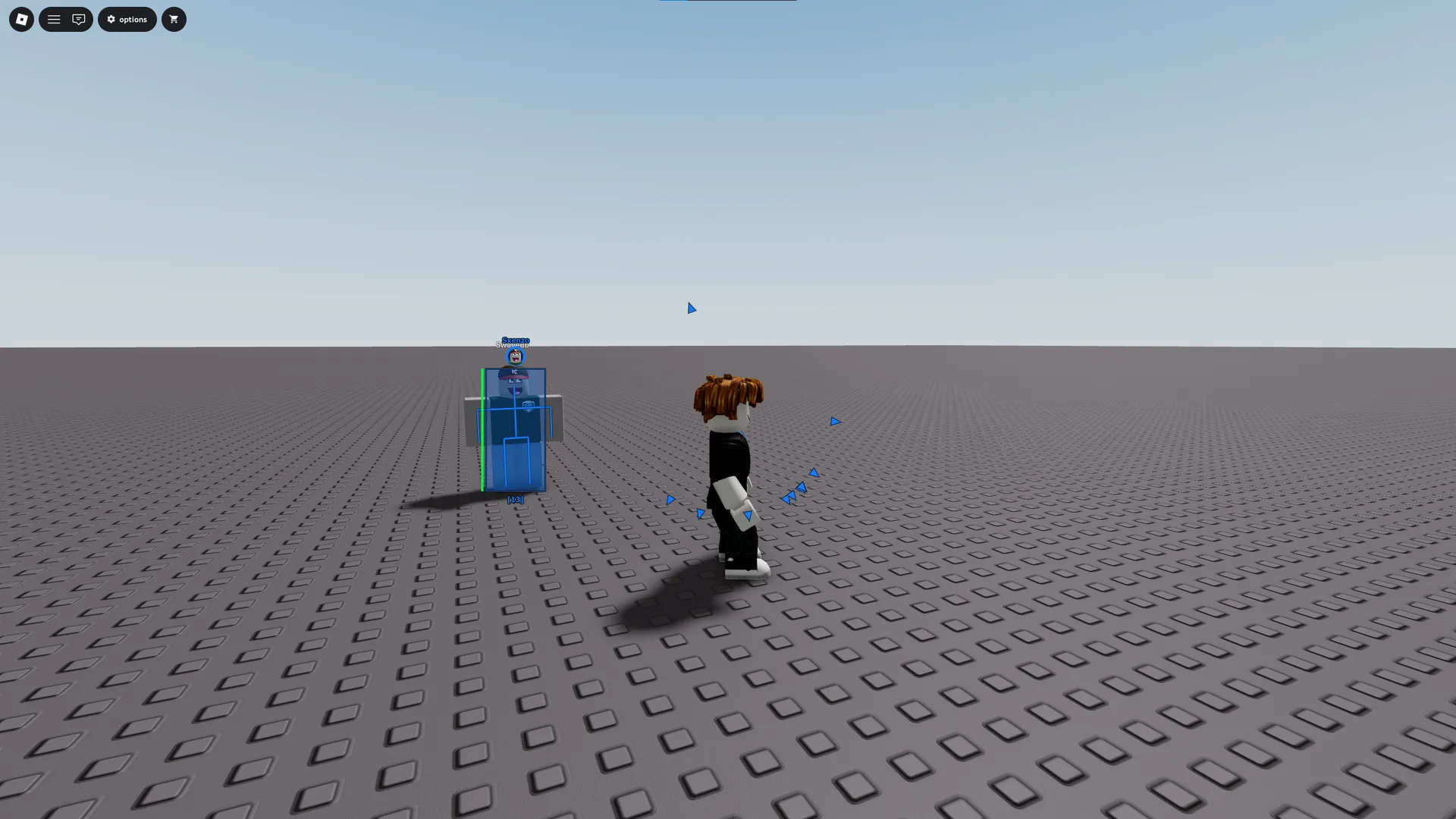
Focus for Roblox includes Aimbot, Triggerbot, ESP and character movement settings. Free camera, waypoints and the player list have dedicated tabs, with profiles for saving settings.
Focus for Roblox is a Windows build with ESP, aiming and movement controls. It suits a setup where combat and exploration need separate settings: camera controls, waypoints and the player list sit outside Aimbot. A function appearing in the menu does not establish identical support across every Roblox experience.
Requirements list Intel or AMD processors, x64 architecture, GPT partitioning and UEFI. Supported operating system versions are shown separately. No launch instruction is attached to this card. The Roblox catalogue offers other builds for comparison, while the full feature list describes this one.
Purchase the product to leave a review
Review integrity
Only a confirmed buyer can leave a review
A moderator checks every review before it goes live
Reviews can’t be ordered or deleted
The author can edit it at any time
Share your impressions after the purchase — it helps other players choose.
Frequently Asked Questions
Select a question from the list on the right to see the answer
Focus for Roblox separates combat, visual information and movement controls. That layout lets a setup follow the task: observing characters, changing the view of a scene or working with a selected target. Combat, Visuals and World remain separate areas, which means adjusting the camera does not require changing aiming parameters or rebuilding the box colour scheme.
Aimbot provides a target body part, Smooth and input gain. Those settings address different parts of aiming: the body part selects the point, while smoothness changes the movement towards it. Filters, Prediction and FOV have separate tabs so you can adjust selection independently. If too many targets qualify in a busy scene, review the filter and area before changing only movement speed.
Triggerbot has delay, click duration and hit chance. They concern the action following selection, which is why they should be considered separately from the target body part. Target HUD displays the current target and includes a scale control. Hitbox Expander changes the selected hitbox size; it is an independent option rather than a required part of drawing a visual box around a character.
Visuals gives Box a style, fill and padding. Reducing fill leaves more of the model visible, whereas Skeleton outlines the pose. Health Bar supplies health information. These elements can be combined, but in a dense group it is useful to remove a layer that repeats something already readable. Size and line thickness help the remaining markers fit the background.
Chams has its own opacity and animation controls. Direction Arrows uses a chosen radius and arrow size, allowing directional markers to sit apart from the boxes. ESP preview separates self, team and enemy appearances, with Visible and Hidden states. It provides a way to assess the arrangement before further changes rather than forcing one appearance on every category.
Speed and Fly affect character movement, while free camera concerns the viewpoint. The camera has an independent movement speed and teleport-to-camera action, so keep those actions distinct when assigning keys. Waypoints can add a point at the player or camera position. Naming a point makes it easier to select later instead of searching a list of unnamed locations.
Players uses a name search to find a particular person, with teleport and spectate actions for the selection. This is a different selection route from automated combat targeting. Local time and Brightness change how the scene looks, so assess them alongside the ESP colours. A marker that stood out before an illumination change may become harder to distinguish afterwards.
Settings stores profiles and can load the last one automatically. Home opens the menu; closing its window only hides it. Unload FOCUS is a separate action for ending the program, so hiding the interface should not be confused with unloading it. The hotkey panel keeps assigned actions visible. Compare requirements through the Roblox section, bearing in mind that this card does not claim support for every user-created experience.