 Discord
 Telegram
Verified buyers only
Only a confirmed buyer can leave a review
 Rob Run
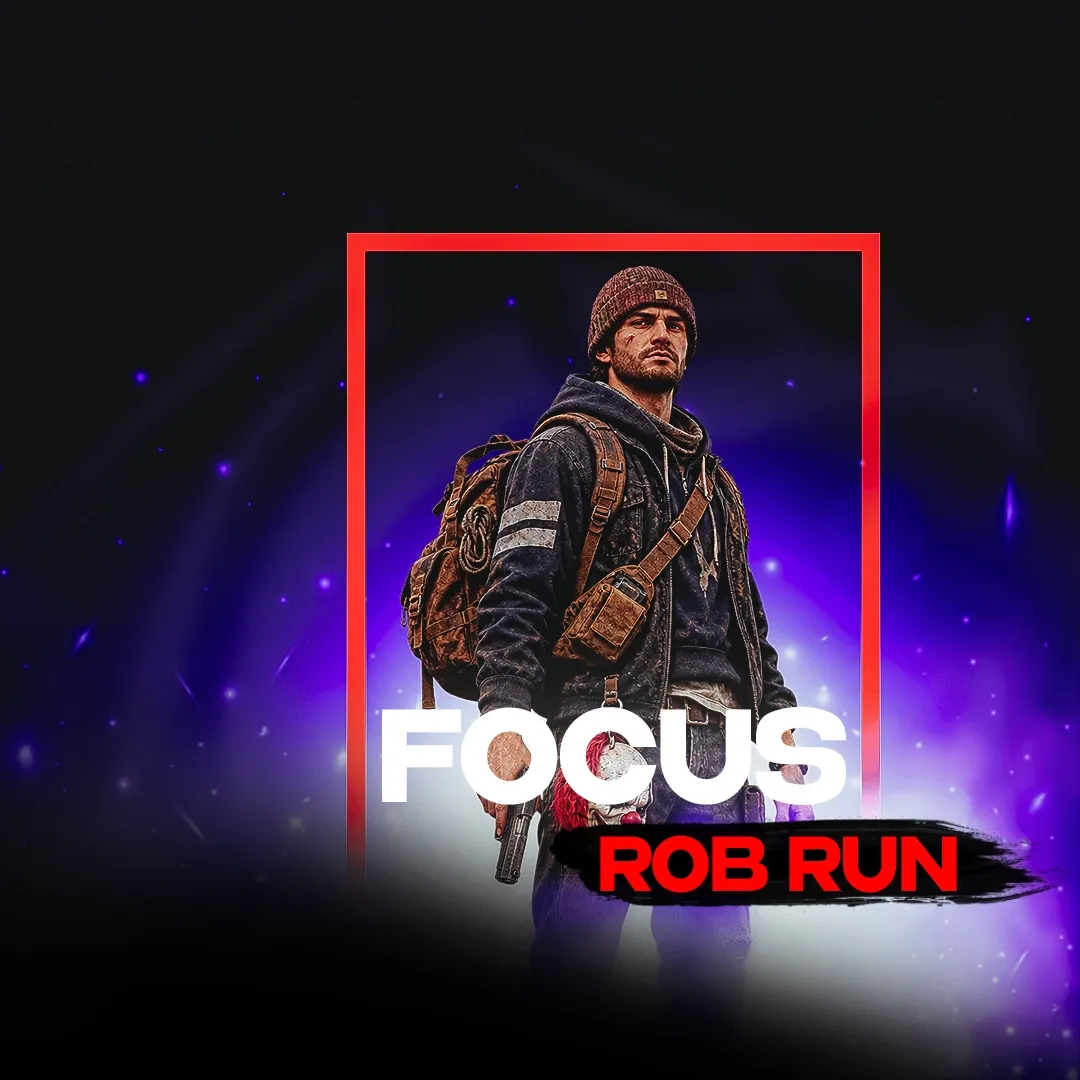
Focus is a cheat for ROB RUN. It includes aimbot, visual player ESP, loot, and radar categories to help you gain an advantage in the game.
The Focus Rob Run cheat is intended for the Steam client on x64 Windows. Before buying, compare your Windows build with the published 22H2–25H2 range. GPT disk partitioning and UEFI boot are also required. An Intel or AMD processor alone does not establish that the rest of the setup meets those requirements.
This build suits players who want separate control over aiming and the information displayed during play. Check computer compatibility before working through the menu: an overlay setting cannot change the drive's partition layout or the firmware boot mode. Browse the Rob Run catalogue if you need to compare the requirements of other products.
Purchase the product to leave a review
Review integrity
Only a confirmed buyer can leave a review
A moderator checks every review before it goes live
Reviews can’t be ordered or deleted
The author can edit it at any time
Share your impressions after the purchase — it helps other players choose.
The Focus Rob Run cheat combines separate aiming controls with loot rarity filters. Decide what you want to see during a run so that each menu section serves a clear purpose. Aiming, player labels and item markers serve different purposes, so treating them as separate parts of the setup makes each choice easier to assess.
Aimbot and Silent Aim have separate FOV, distance, bone and priority settings. In practice, similar field names do not mean the same values will suit both modes. Bone selection specifies an aim point on a character, whereas FOV defines the area in which targets can be selected. Priority governs the selection order. The target line and FOV circle provide a visible reference for the area and target associated with those controls.
An activation key lets you decide when aiming is engaged. Choose a selection area and distance before assessing target priority in a crowded scene. A wider area gives the selection process more candidates, so decide which targets matter to you before expanding it. Silent Aim has its own controls, allowing you to prepare its configuration separately rather than carrying over every value from the other aiming mode.
Minimum Rarity controls which quality levels appear, while rare item highlighting makes selected finds stand out. The distinction matters because the filter changes the set of markers, while highlighting changes how you read what remains. A valuable loot snapline adds a directional reference to an item of interest. Pick the item categories you want first, then adjust rarity and distance around the purpose of your search.
Container contents, dropped bags and vehicle loot have their own published controls. This is useful when you want to search beyond items lying on the ground. Text size and maximum distance affect readability: distant labels can compete with nearby finds. If that happens, narrow the distance or category selection before making every label too small to read. The aim is an overlay whose remaining information still answers your immediate question.
Player Visuals includes visibility checking separately from held items, boxes and skeletons. Role colours help distinguish character categories, while snaplines provide a direction towards players. Skeleton style and animation adjust the presentation independently of the text information. Radar supports vehicles and display on the game map, adding a positional view when individual labels in the scene are difficult to relate to each other.
Camera FOV, Zoom and Freecam are separate controls. FOV changes the extent of the scene shown, while Zoom gives a narrower view for closer inspection. Bullet tracers and hit markers concern the presentation of shots. If these compete with item labels, adjust tracer settings separately rather than changing loot filters to solve a different display problem.
Save a configuration after choosing your menu key, menu scale and accent colour. Loading it later is useful because it restores a prepared setup without repeating each choice. Requirements include Steam, x64 Windows builds 22H2–25H2, a GPT drive and UEFI boot. GPT refers to the drive partition layout, and UEFI to the firmware boot mode; both should be checked before purchasing.
Compare other products in the Rob Run cheat catalogue. To buy a key, choose a duration and pay from your GCC balance. The key is delivered automatically to your personal account after payment.