 Discord
 Telegram
Verified buyers only
Only a confirmed buyer can leave a review
 Hunt: Showdown
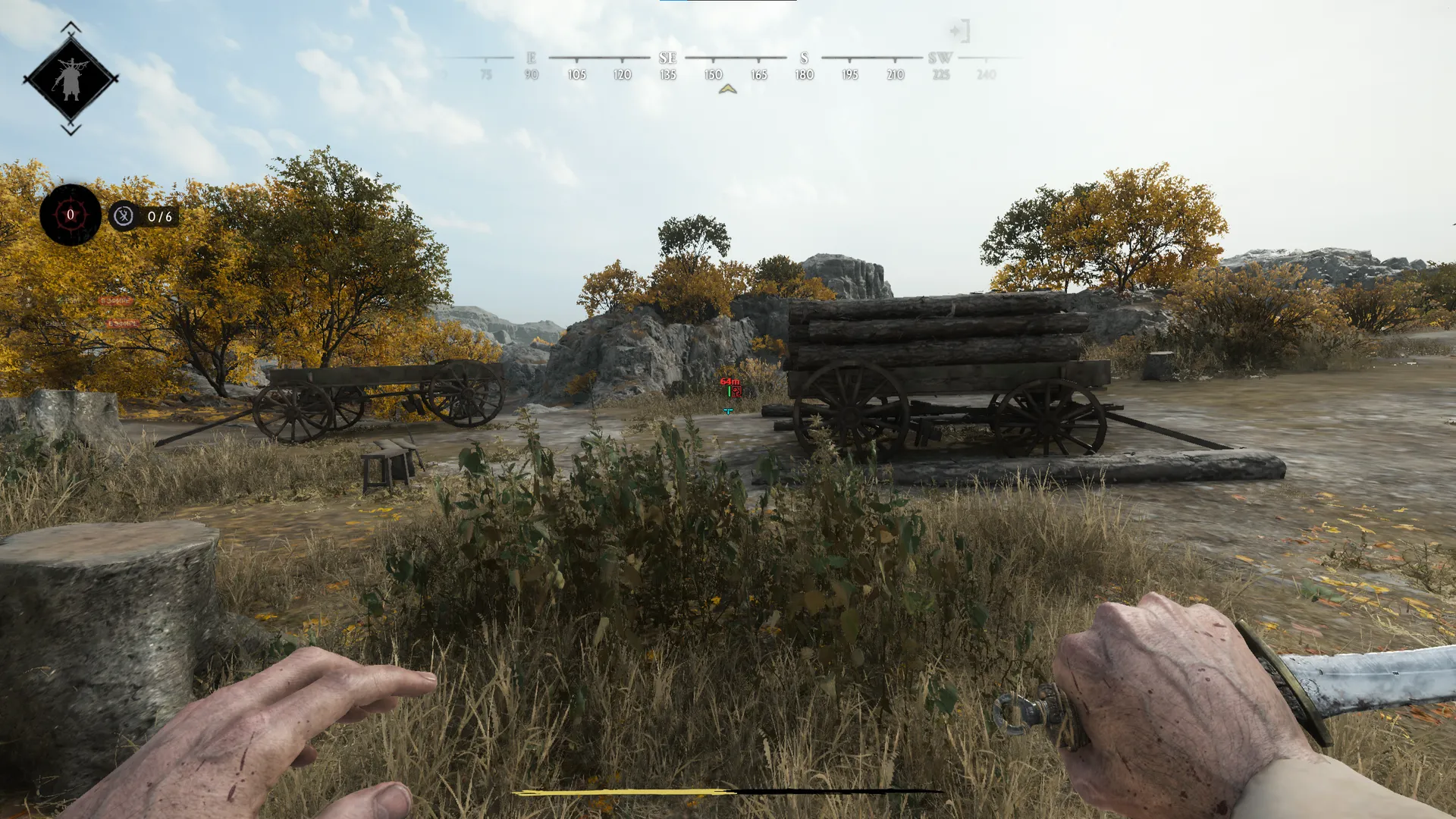
Focus for Hunt: Showdown displays players, bosses, monsters and sound traps. ESP is paired with a configurable crosshair and profiles; Aimbot is not included. The overlay is shown while the game window is in the foreground.
Focus for Hunt: Showdown is a Steam ESP build for players and surrounding threats. Aimbot is not included: aiming and the decision to shoot remain manual. Its configurable Crosshair is a visual reference, while monster and sound trap categories help you read the route around an encounter.
The overlay is visible only while the game is in the foreground. Requirements include Intel or AMD processors, x64 Windows, GPT and UEFI, with supported builds listed separately. Compare the Hunt: Showdown catalogue if you need a different combination of features.
Purchase the product to leave a review
Review integrity
Only a confirmed buyer can leave a review
A moderator checks every review before it goes live
Reviews can’t be ordered or deleted
The author can edit it at any time
Share your impressions after the purchase — it helps other players choose.
Frequently Asked Questions
Select a question from the list on the right to see the answer
Focus for Hunt: Showdown combines hunter ESP with markers for threats along a route. An enemy player's position and a nearby sound trap answer different questions: one concerns a fight, the other concerns the approach. Separate controls for players, bosses and monsters let you retain the information needed now without displaying every category at once.
Players uses boxes to mark a hunter's location and Skeleton to show the character's pose. A full box can be replaced with corners to cover less of the model, while fill is a separate choice. Health Bar provides a quick estimate and Health Text adds a number. If labels begin to overlap, removing a duplicate health display can preserve the information needed for the encounter.
Distance supplies context for a marker relative to your position. Players and Monsters have separate ranges, which means a wider hunter view does not require all surrounding creatures to be shown equally far away. Shorten the environment range during an approach to a building so you can distinguish nearby threats more easily. This changes the readability of the display rather than the way a shot is aimed.
Bosses separates name display from the individual boss filters. Keep the category you need instead of displaying every available type at once. A boss marker offers a route reference, but the approach still depends on other hunters' positions. Reading Bosses alongside Players therefore provides two different pieces of information, with separate colours to keep them distinct.
Monsters adds names, boxes and distances for selected creature categories. The filters let you emphasise threats relevant to the next part of the route. A dense group of common creatures can occupy substantial label space; removing that category leaves the other selected types visible. Boss and monster colours are independent, which helps distinguish their markers before reading each name.
Sound Traps marks noise hazards such as birds and animals. Those markers help identify a risky section before moving through it, because passing close to a trap can reveal a position through sound. Displaying a category does not automatically disable it. Turn off a type that is irrelevant to the current route while retaining the remaining hazards, keeping the view useful rather than crowded.
Crosshair offers switchable lines, a centre dot and a circle. Gap, size and thickness change its shape, while Outline adds a border. A contrasting colour can be easier to read over a busy background; if the centre obscures a small target, reduce it or keep only the dot. This visual reference does not aim at targets, since Aimbot is not part of the feature set.
Configs saves a named arrangement for later loading. Home opens the menu, scaling is separate from marker settings, and search finds a known control. The overlay appears only while the game window is in the foreground, so switching to another application hides it. Use the Hunt: Showdown section to compare this build's aiming features and requirements with other products.