

Instructions for installing STAR for PUBG Mobile on iOS via TestFlight
 16.03.2026
Instructions for installing STAR for PUBG Mobile on iOS via TestFlight
Instructions for installing STAR for PUBG Mobile on iOS
Installation via TestFlight
- Install TestFlight from the App Store.
- Select your region and follow the link:
- GLOBAL: https://testflight.apple.com/join/ZmnpFw5z
- KOREA: https://testflight.apple.com/join/PQ4V7Xkj
- TAIWAN: https://testflight.apple.com/join/2CYeUsKB
- Click "Accept" / "Install".
Obtaining UDID (if required)
- Open GetUdid on iPhone/iPad.
- Click “Tap here to get your UDID” and allow profile installation.
- After installing the profile, your UDID will be displayed on the screen. Copy it.
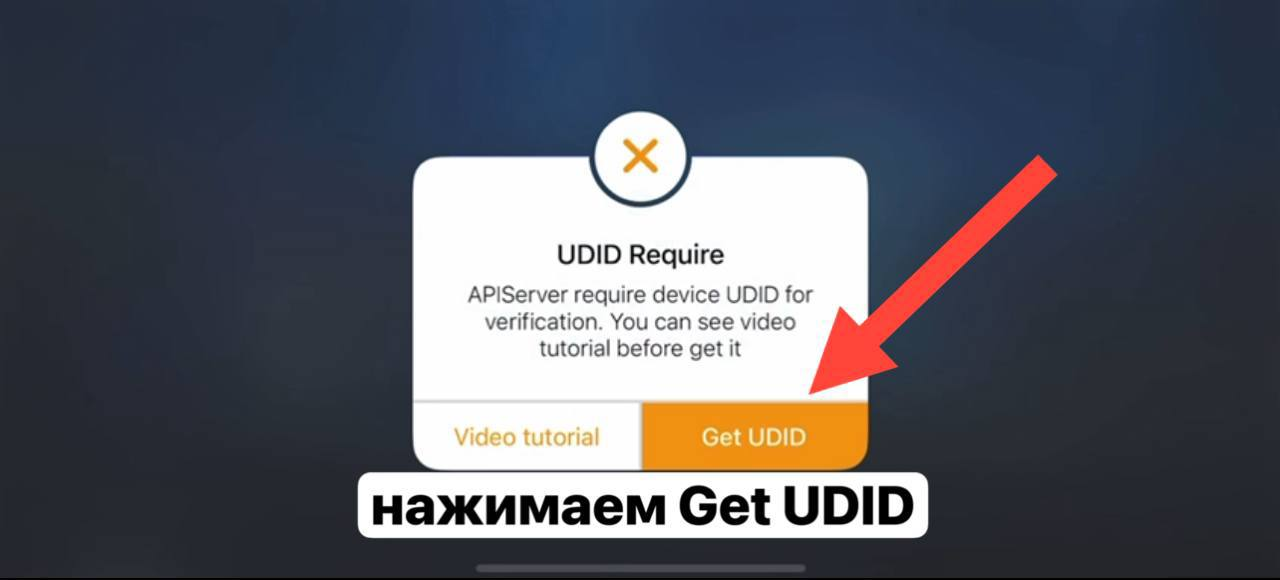
click Get UDID
.png&w=1920&q=75)
Translation of the text: Here we get a window like: “Install a profile?” Click "install" and then "Close"
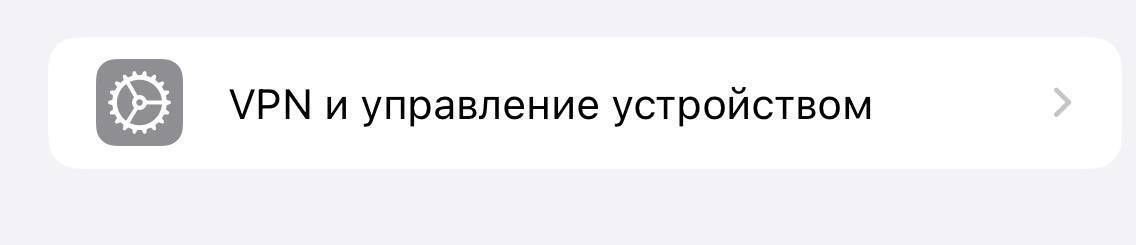
Translation of the text: VPN and device management
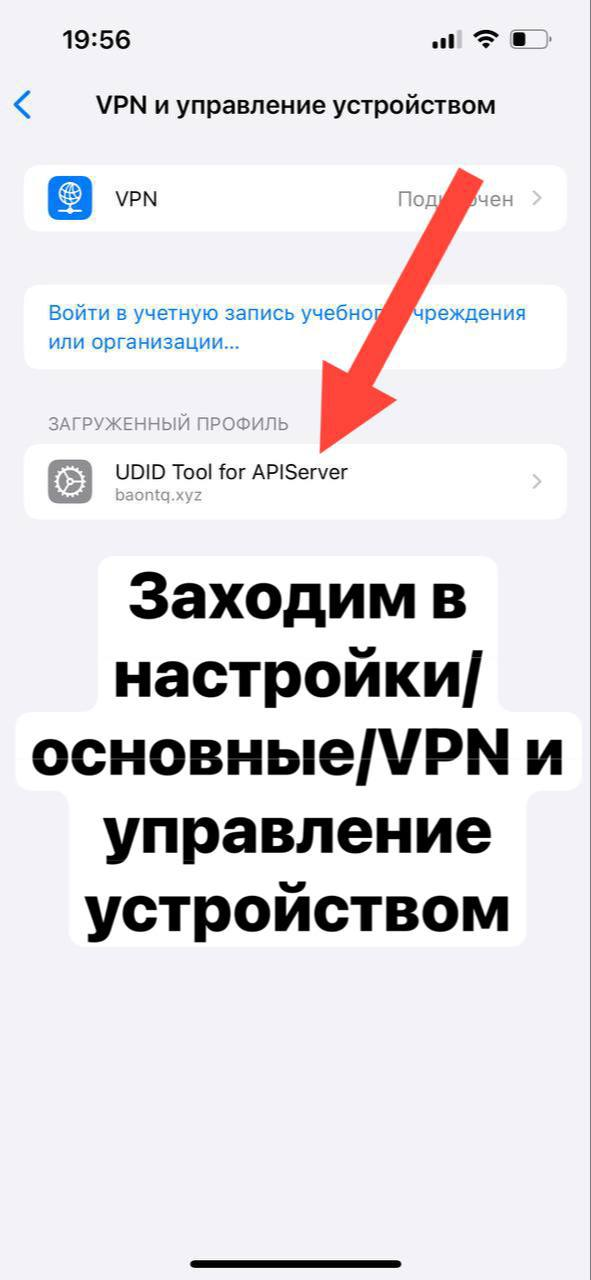
Translation of the text: Go to settings/general/VPN and device management
After that, return to TestFlight and click “Install”. The application will install automatically. Ready!